

Android Accessibility Suite
by Google LLC (0 Reviews) July 26, 2024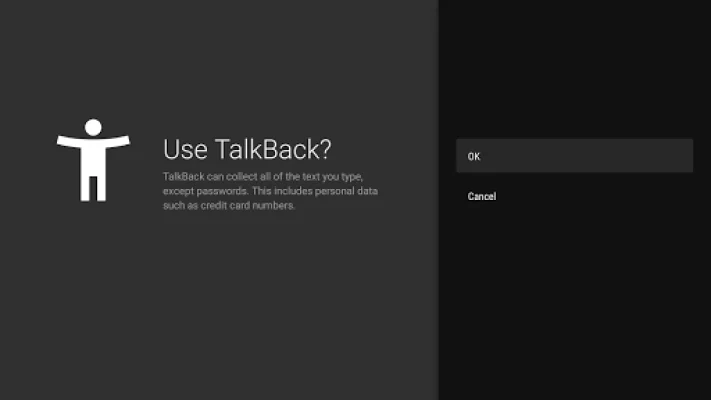
Latest Version
July 26, 2024
Google LLC
Tools
Android
0
Free
com.google.android.marvin.talkback
Report a Problem
More About Android Accessibility Suite
Android Accessibility Suite is an application designed to make using your Android device easier for individuals with disabilities. It includes three main features: Accessibility Menu, Select to Speak, and TalkBack screen reader. These features allow users to control their device, have items on their screen read aloud, and navigate their device using gestures and an on-screen braille keyboard.
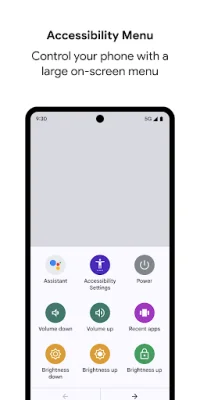
The Accessibility Menu is a large on-screen menu that provides easy access to various functions such as locking your phone, adjusting volume and brightness, and taking screenshots. This menu is especially helpful for individuals with motor disabilities who may have difficulty using the physical buttons on their device.
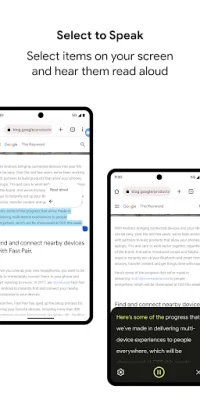
Select to Speak is a feature that allows users to select items on their screen and have them read aloud. This is useful for individuals with visual impairments who may have difficulty seeing small text or icons on their device. It can also be helpful for individuals with learning disabilities who may benefit from hearing information read aloud.
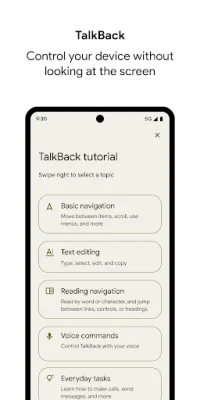
TalkBack is a screen reader that provides spoken feedback and allows users to control their device using gestures. It also includes an on-screen braille keyboard for individuals who are proficient in braille. This feature is essential for individuals with visual impairments as it allows them to navigate their device and access information without relying on visual cues.
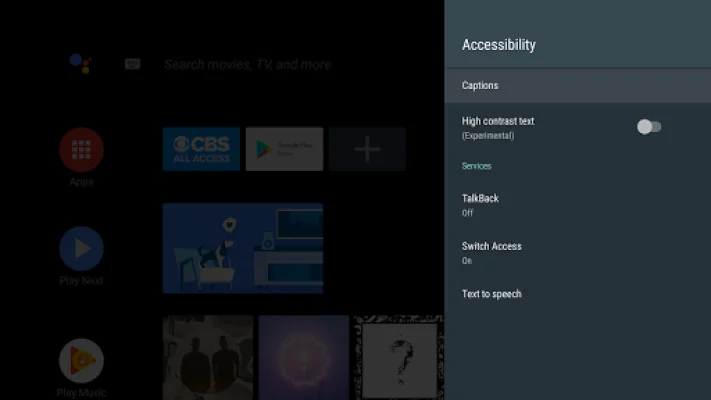
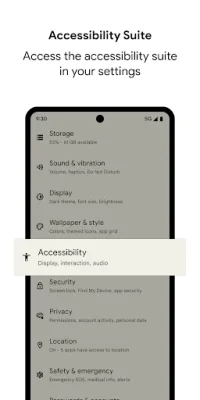
To use Android Accessibility Suite, users can simply open their device's Settings app and select the Accessibility option. From there, they can choose to enable the Accessibility Menu, Select to Speak, or TalkBack. It is important to note that Android Accessibility Suite requires Android 6 or later, and TalkBack for Wear requires Wear OS 3.0 or later.
It is also worth mentioning that Android Accessibility Suite requires certain permissions to function properly. These include access to the phone state, accessibility service, and notifications. These permissions allow the app to adapt announcements to the user's call status, observe their actions and retrieve window content, and notify them about updates. Overall, Android Accessibility Suite is a valuable tool for individuals with disabilities, making it easier for them to use their Android device and access its features.
Rate the App















Popular Apps









