

AnyMirror: Mirror Screen to PC
1.1.0 by iMobie Inc. (0 Reviews) September 13, 2024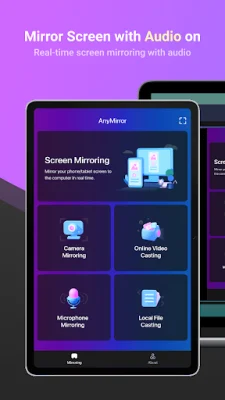
Latest Version
1.1.0
September 13, 2024
iMobie Inc.
Tools
Android
0
Free
com.imobie.anymirror
Report a Problem
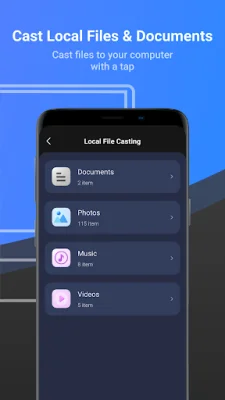
More About AnyMirror: Mirror Screen to PC
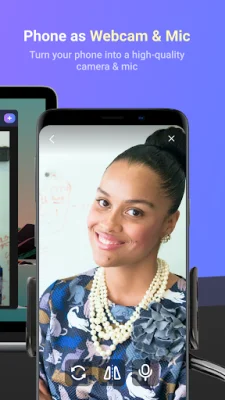
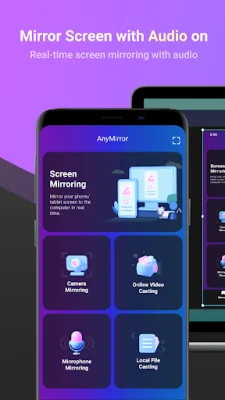
AnyMirror is a versatile application that allows you to use your phone as a webcam and microphone. With this feature, you can mirror your image in high-definition and lossless quality, making it perfect for professional use. Additionally, you can move around freely with a movable camera and microphone, all through a Wi-Fi connection.
One of the main advantages of AnyMirror is its ability to manage and edit your mirrored content in any way you like. You can easily add, rotate, resize, and display smart layouts with just a few clicks. This means you are no longer limited by inflexible vertical screens, giving you more flexibility and control over your presentations.
Another great feature of AnyMirror is its ability to augment your mirrored content to engage with your audience. You can use annotations to emphasize details and clarify opinions, making your presentations more intuitive and vivid. These annotations can also be used in conjunction with screen captures or recordings, allowing you to create engaging videos.
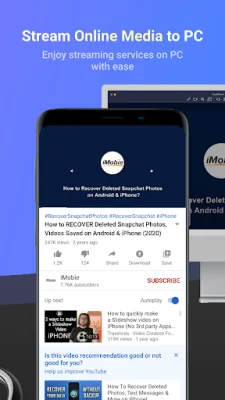
With AnyMirror, you can also stream your mirrored screen to multiple destinations without any delay. This means you can real-time stream your mirrored screen to applications like OBS Studio or Zoom for live streaming or meetings.
AnyMirror has a variety of use cases, making it a versatile tool for different purposes. For example, it can bridge the communication gap in online meetings, allowing attendees to communicate in high-definition and lossless quality. It can also be used for teaching, as it enables you to display courseware, files, and exercises, and even annotate them in real-time.
Live streaming is also made easier with AnyMirror, as you can easily stream your mirrored screen along with your image to live streaming apps. This is perfect for showcasing your skills and performance while creating works or playing mobile games to your fans. Additionally, AnyMirror can be used for demonstrations, allowing you to produce videos of app tutorials and share them with your audience instantly.
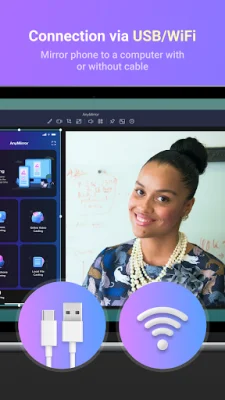
Connecting your device to AnyMirror is also a simple process. You can use the auto-detection feature by keeping your device and computer connected to the same Wi-Fi network and dragging and dropping the computer icon to connect. Alternatively, you can use the QR code scan method or connect via USB cable. With these easy connection options, you can start using AnyMirror in no time.
Rate the App















Popular Apps









