

Assistive Panel - Easy Control
by PARKER HJKT (0 Reviews) March 27, 2026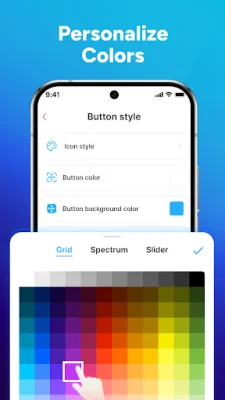
Latest Version
March 27, 2026
PARKER HJKT
Tools
Android
0
Free
com.assistivetouch.smart.control.panel
Report a Problem
More About Assistive Panel - Easy Control
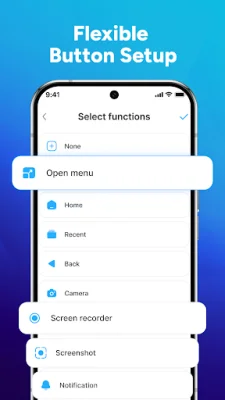
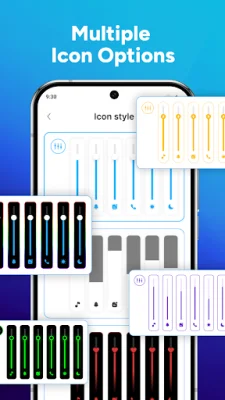
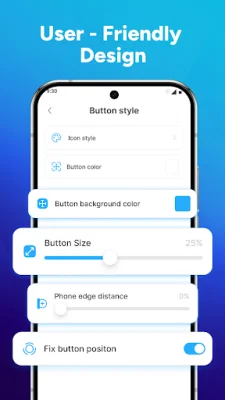
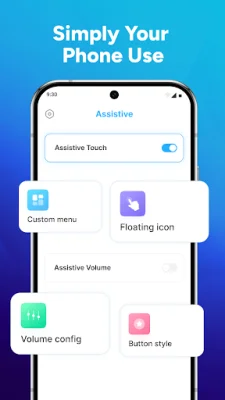
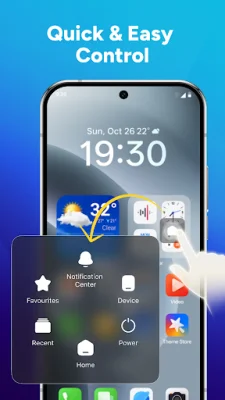
The Quick App Launcher is an application that allows you to easily access your favorite apps with just a tap. It saves you time by providing faster access to the apps you use most frequently. With Virtual Buttons, you can control various functions on your device, such as locking the screen, adjusting volume, navigating back, and accessing home or recent apps, all with a single tap. This feature makes device control smoother and more convenient. The app also offers a customizable Assistive Touch feature, where you can turn it on or off, manage the floating button, and more. This allows you to personalize the app to your liking. You can choose from a variety of pretty icons and advanced gestures to match your personal style. This adds a touch of personalization to the app. With One-Touch Settings, you can easily toggle Wifi, Bluetooth, flashlight, and more. This simplifies your daily phone management by allowing you to perform essential actions with just one touch. The app also includes a Screenshot & Power Menu, where you can quickly capture your screen, restart, or power off your device. This eliminates the need to search through menus, making essential actions effortless. To enable advanced features such as controlling the floating button, using one-tap shortcuts, capturing screens, restarting, or powering off, the app requires Accessibility Services API. This is used only for the core functions of the Assistive Panel. There are many reasons to choose Assistive Panel - Easy Control. It helps protect physical buttons from overuse, provides smart control and navigation assistance with a clean interface, and allows you to customize your shortcuts for faster and easier access. The developers of Assistive Panel - Easy Control are always looking for ways to improve the app and welcome recommendations and feedback from users. They are dedicated to providing the best user experience and appreciate any suggestions.
Rate the App















Popular Apps









