

Assistive Touch: TouchSmart
by EVALUATELOCATE LTD (0 Reviews) April 09, 2026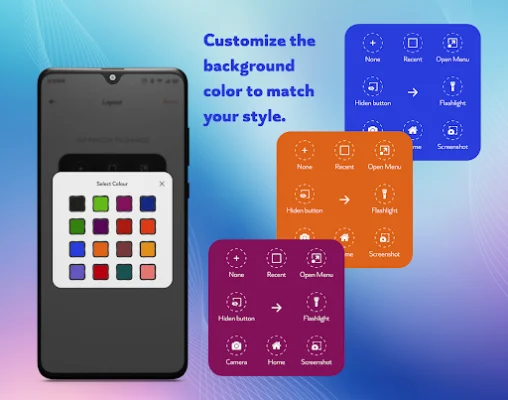
Latest Version
April 09, 2026
EVALUATELOCATE LTD
Tools
Android
0
Free
com.assistivetouch.homebutton.easytouch.button.settings.home
Report a Problem
More About Assistive Touch: TouchSmart
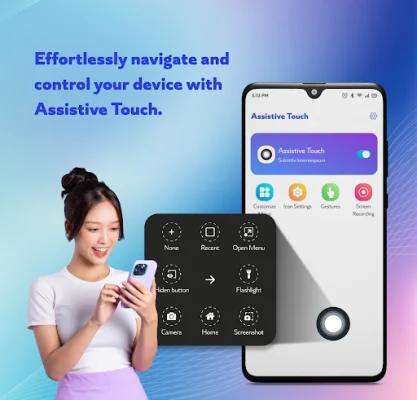
This app is designed to make navigating your phone easier and more convenient. It offers a variety of features that can help you quickly access different functions on your device. These features include a virtual home button, lock screen, volume control, screenshot, quick settings, and a customizable panel. With this app, you can easily return to the home screen, turn off your screen without using the power button, adjust volume levels, take screenshots, and access various settings with just one tap.
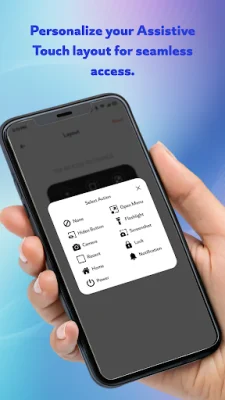
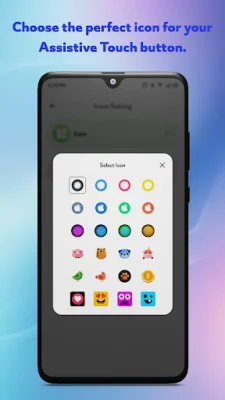
One of the main reasons to choose this app is its user-friendly interface. It is simple, intuitive, and easy to use for everyone. You don't need to be tech-savvy to navigate through the app and customize it according to your preferences. You can choose your favorite icons, colors, and layout to make it more personalized and visually appealing.
Another great feature of this app is its one-handed control design. It is specifically designed for effortless operation with one hand, making it perfect for users who struggle with using their phone with both hands. This feature can also be helpful for those with smaller hands or for situations where you need to use your phone with one hand, such as when you're carrying something in the other hand.
This app is also a great solution for users who have broken hardware buttons on their device. With its virtual home button and lock screen feature, you can easily navigate your phone without having to use the physical buttons. This can save you from the hassle and expense of getting your hardware buttons fixed.
To use this app, you will need to enable the Accessibility Service, which allows the app to show the Control Center - Touch Panel view on your device screen. This service is also used for volume adjustment, music control, and removing system dialogs to ensure a smooth user experience. However, the app does not collect or share any user information related to this permission, ensuring your privacy and safety.
In conclusion, if you want faster navigation, better one-handed control, or a solution to broken hardware buttons, this app is perfect for you. Download Assistive Touch: TouchSmart now and take full control of your phone with just one touch!
Rate the App















Popular Apps









