

ASUS Phone Clone
5.30.56.10 by Mobile, ASUSTek Computer Inc. (0 Reviews) July 23, 2024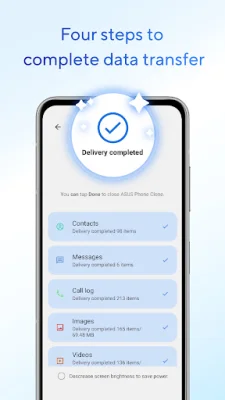
Latest Version
5.30.56.10
July 23, 2024
Mobile, ASUSTek Computer Inc.
Tools
Android
0
Free
com.futuredial.asusdatatransfer
Report a Problem
More About ASUS Phone Clone
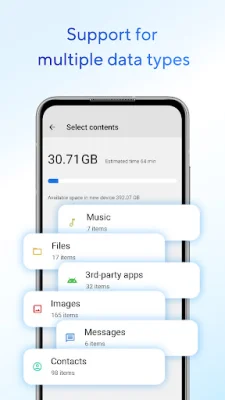
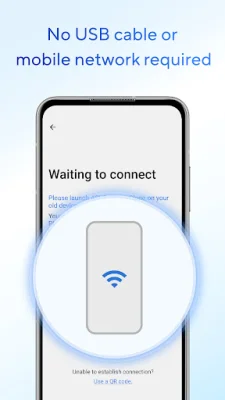
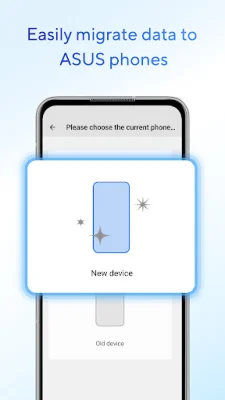
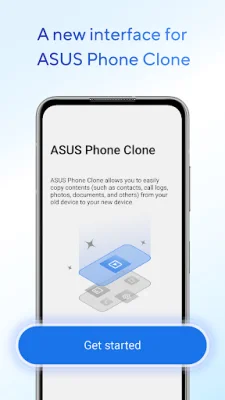
You can easily transfer various types of data, such as contacts, call logs, text messages, photos, videos, music, compressed files, and applications, without the need for a USB cable or mobile network. This makes it convenient and hassle-free to transfer data from one device to another. Additionally, if your old mobile phone is an ASUS phone, you can also transfer application data and system application settings, making the transition to a new device even smoother.
It's important to note that the data transfer may vary depending on the system version and model of your device. For example, ZenFone mobile phones with stock AOSP operating system, such as ZenFone Max Pro, ZenFone Max Pro M2, ZenFone Live L1, and ZenFone Live L2, are not supported. This means that users of these devices will not be able to use the ASUS Phone Clone application.
If you encounter any issues or have suggestions while using the application, you can visit the ZenTalk forum to provide feedback. This allows for continuous improvement and updates to the application, ensuring a better user experience for all.
To fully utilize all the features and functions of ASUS Phone Clone, it is recommended to update or install the latest version. The current latest version is 5.30.56.10. By keeping the application up-to-date, you can ensure a smooth and efficient data transfer process.
In summary, ASUS Phone Clone is a user-friendly and efficient application that allows for easy data transfer between devices. It supports a wide range of data types and even allows for the transfer of application data and system settings for ASUS phones. However, it's important to note that not all devices are supported, so it's best to check the list of compatible devices before using the application. If you have any feedback or suggestions, you can visit the ZenTalk forum, and it's recommended to keep the application updated for the best experience.
Rate the App














Popular Apps









