Authenticator App · 2FA
2.0.1 by FirstOrder.Apps (0 Reviews) November 01, 2025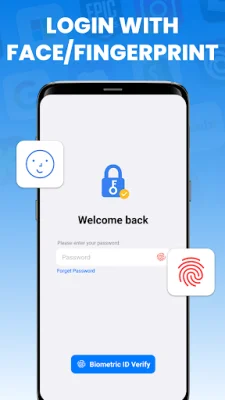
Latest Version
2.0.1
November 01, 2025
FirstOrder.Apps
Tools
Android
0
Free
ai.firstorder.auth
Report a Problem
More About Authenticator App · 2FA
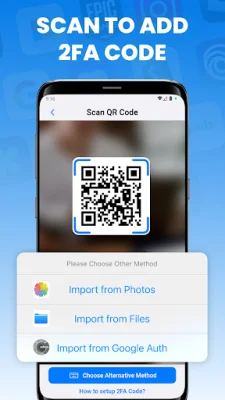
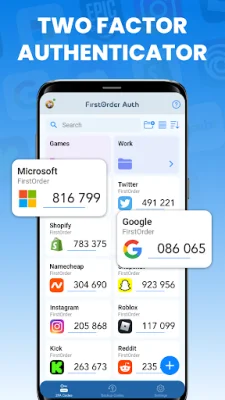
The Authenticator app is a multi-factor authentication (MFA) tool that provides an extra layer of security for your online accounts. It generates 2-step verification codes that automatically update every 30 seconds, making it difficult for hackers to access your accounts. The app is user-friendly and offers easy setup for two-factor authentication, allowing you to quickly add accounts by scanning a QR code or manually entering your account details. You can even import accounts from other authenticator apps, making the transition seamless.
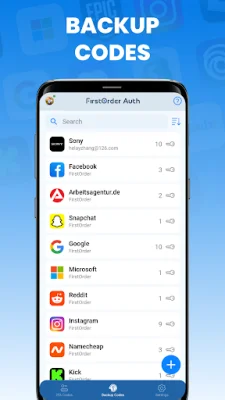
In case you lose your device, the app offers backup and recovery codes that can be easily managed and recognized using OCR technology. Your 2FA codes are securely synced and backed up using Google Cloud, ensuring you never lose access to your accounts. The app also offers biometric authentication, allowing you to unlock it with your face or fingerprint, adding an extra layer of protection.
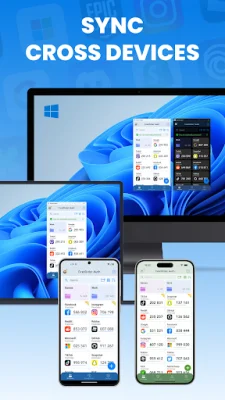
The Authenticator app also allows you to import and export your 2FA accounts to and from local storage, making it easy to access your data from multiple devices. The app offers convenient widgets that allow you to access your MFA codes directly from your home screen, saving you time and effort. You can also keep your accounts organized with custom folders, making it easy to find and manage your 2FA codes.
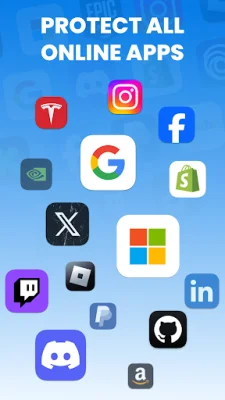
If you are new to two-factor authentication, the app provides user-friendly guides to help you through the basics. It supports popular platforms such as Google Authenticator, Microsoft Authenticator, Facebook, TikTok, PayPal, and many more. If you have any thoughts, questions, or suggestions, you can contact the app developers at [email protected]. The app's home page is https://authenticator.firstorder.ai, and it has terms of use and a privacy policy to ensure your data is protected.
Rate the App










Popular Apps









