

Auto Clicker - Auto Multi Tap
2.0 by Eathan Buckley (0 Reviews) October 15, 2024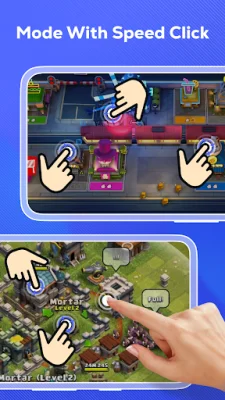


Latest Version
2.0
October 15, 2024
Eathan Buckley
Tools
Android
0
Free
com.eathan.autotap.autoclicker
Report a Problem
More About Auto Clicker - Auto Multi Tap
This application is designed to help users with tasks that require repetitive clicks or swipes, making it ideal for activities such as gaming, automated liking, and automatic task acceptance. Users have the flexibility to define the number or duration of clicks, providing a versatile and customizable automation experience.
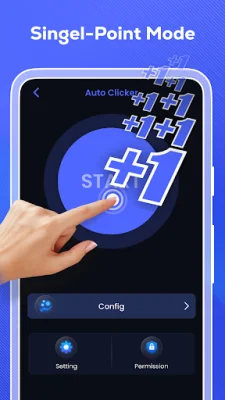
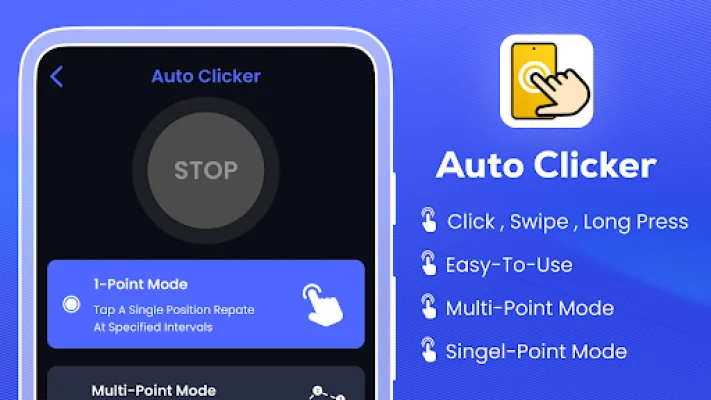
The application offers two modes: the 1-Point Mode and the Multi-Point Mode. The 1-Point Mode allows users to specify a single target location for the auto-clicker, streamlining tasks that require repetitive taps at a specific point on the screen. On the other hand, the Multi-Point Mode allows users to set multiple target locations, making it useful for automating tasks that involve clicks or taps across various points on the screen.
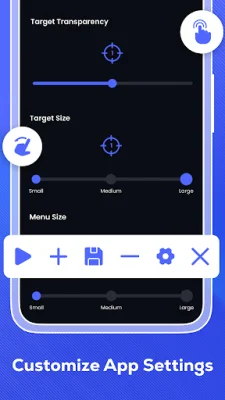
Within the settings, users can customize the time interval between consecutive clicks, adjust the duration of swipes, and modify the size of the mode menu according to their preferences. This level of customization allows for fine-tuning of the application to meet specific requirements, ensuring that the time between clicks, swipe durations, and mode menu size are all tailored to the user's needs.
The application also features a floating panel that provides convenient control and adjustment of scripts. Users can easily manage and modify scripts through the floating panel, enhancing work efficiency and meeting the requirements of different tasks.
Some of the main features of this application include a user-friendly interface, support for click and swipe operations, multiple click points and swipes, the ability to schedule the interval time between actions, and adjust the duration of swipes. The floating control size can also be adjusted for convenience.
The Accessibility Service permission is utilized to execute fundamental functionalities, such as simulating clicks and gestures on the screen. This permission is necessary for the application to function properly and provide users with a seamless automation experience.
Rate the App













Popular Apps









