
Auto Move To SD Card
1.7 by Fusion Techno World (0 Reviews) April 10, 2026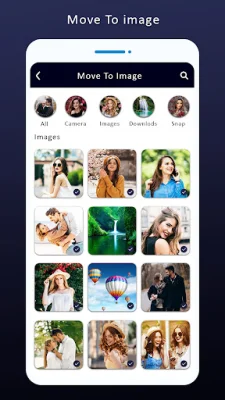
Latest Version
1.7
April 10, 2026
Fusion Techno World
Tools
Android
0
Free
com.fusion.sdcardfiletransfer.movefiletosdcard.automovetosdcard.technoworld
Report a Problem
More About Auto Move To SD Card
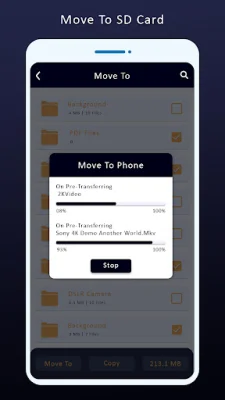
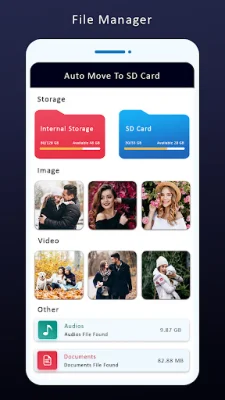
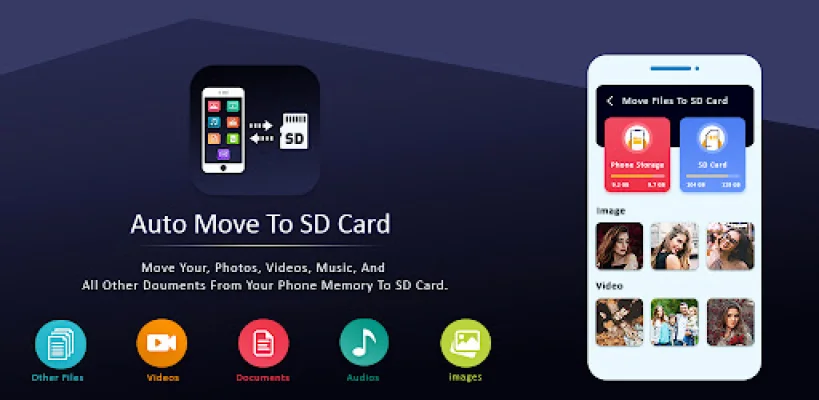
If you're running out of space on your phone's internal storage, don't worry! This app makes it easy and flexible to transfer your data to an SD card. Move Files To SD Card is the solution to your low internal memory issue. With this app, you can easily transfer all your photos, videos, and other files from your phone's internal memory to an SD card or memory card.
File To SD Card Transfer also allows you to transfer all your audio and music files from your phone's storage to an SD card with just one tap. This feature is especially useful for those who have a lot of music files taking up space on their phone.
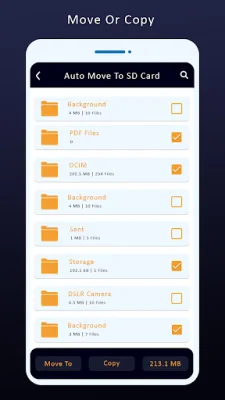
The app has several helpful features to make the transfer process smooth and efficient. Users can see all the internal storage directories and subdirectories, as well as preview files before transferring them. With just one click, you can transfer all files from your phone's memory to an SD card. You also have the option to choose the preferred location on the SD card for the transferred files.
In addition, the app allows you to copy or move files and folders from an SD card to your phone. This is useful for those who want to free up space on their SD card or transfer files from one device to another. The app also has a scheduling feature, where you can set a specific day and time for the transfer to take place. You can even choose the source and destination folders for the transfer to occur automatically.
In order for the app to function properly, it requires certain permissions such as WRITE_EXTERNAL_STORAGE and READ_EXTERNAL_STORAGE. These permissions allow the app to view and move files on your device's storage. With Move Files To SD Card, you can easily manage your device's storage and free up space for more important files and apps. Give it a try and see the difference it can make in your device's storage management!
Rate the App












Popular Apps









