Auto Transfer File To SD Card
by Calsey Soft (0 Reviews) May 18, 2026
Latest Version
May 18, 2026
Calsey Soft
Tools
Android
0
Free
com.filetransfer.smartv.movetosdcard
Report a Problem
More About Auto Transfer File To SD Card
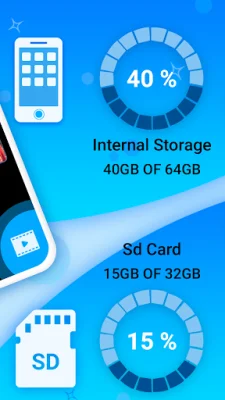
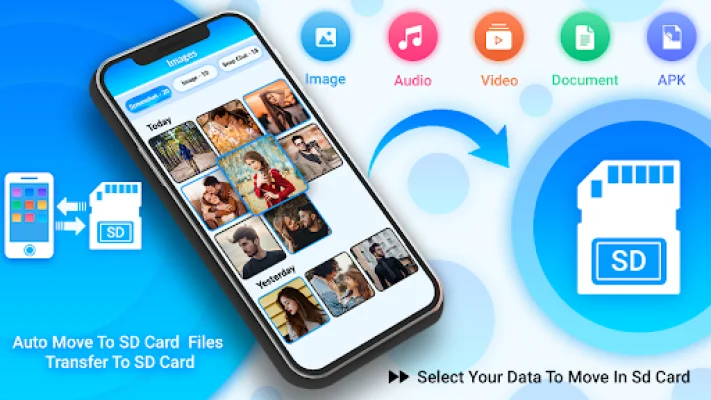
Move To SD Card is a necessary application for anyone who uses an SD card or memory card. It helps to free up space on your phone's internal memory by transferring data to the SD card. This app is easy to use and flexible, making it a must-have for those who are running low on internal storage space. It automatically transfers images, videos, and audio files to the SD card whenever new files are added to a specific folder. All you have to do is set the SD card path and the app will take care of the rest.
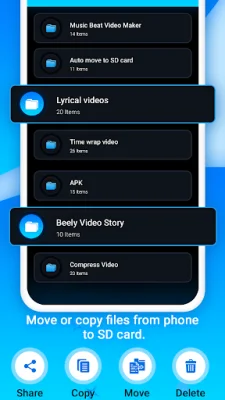
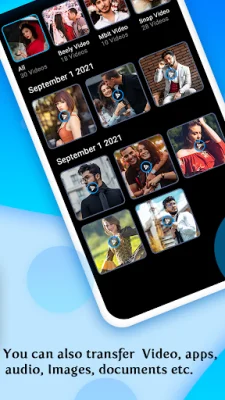
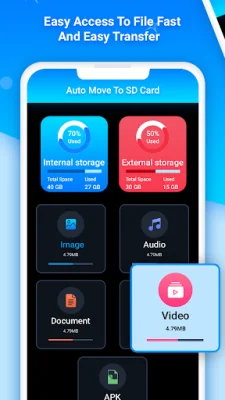
With Move To SD Card, you can easily move your photos, videos, audio, documents, and other downloads from your phone's memory to the SD card. This not only frees up space on your device, but also helps with organization and management of your files. You can also transfer files from the SD card back to your phone if needed. The process is simple and fast, just select the files you want to move or copy and click a button.
This app also allows you to transfer apps from your phone's internal storage to the SD card with just one tap. If any apps on the SD card are experiencing issues, you can easily move them back to the internal storage to solve the problem. The app also has a feature to read files on both the device and the SD card, making it easy to manage all of your files in one place.
One of the main features of Move To SD Card is its ability to free up space on your device with just one click. You can choose to move or copy files to either the internal storage or the SD card, depending on your preference. The app also allows you to view file details and open files with the appropriate program. It even has a dark mode option for those who prefer a darker interface.
This app is completely free to use and offers a variety of features to help you manage your files and free up space on your device. You can easily transfer files from your phone to the SD card without needing a WIFI connection. It also supports various sources such as WhatsApp, downloads, and Bluetooth. So go ahead and download Move To SD Card and start organizing and freeing up space on your device today. Thank you for choosing our app and we hope you find it useful!
Rate the App










Popular Apps









