

Auto WiFi Tethering
0.0.82 by Daniel Mroczka (0 Reviews) October 06, 2024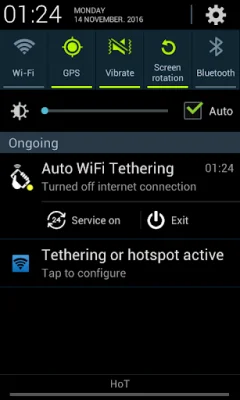

Latest Version
0.0.82
October 06, 2024
Daniel Mroczka
Tools
Android
0
Free
com.labs.dm.auto_tethering
Report a Problem
More About Auto WiFi Tethering
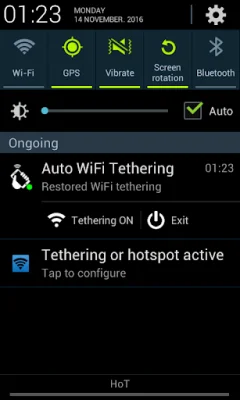
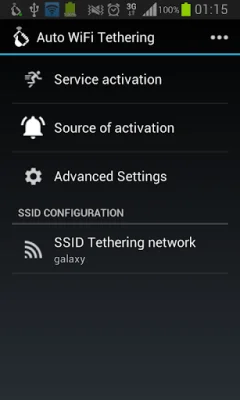
This application is designed to make it easier for users to turn on WiFi tethering and enable internet connection on their mobile devices. It offers several different modes of operation, including a widget that can be used to quickly turn on tethering and internet connection, automatic activation upon system startup, and a profiled mode that can activate tethering based on a time schedule, USB connection, or Bluetooth devices in the vicinity.
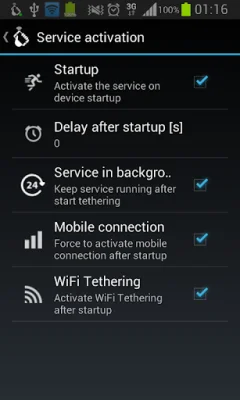
One of the key features of this app is its ability to start immediately after the operating system boots up, or with a configured delay. This means that users do not have to manually turn on tethering and internet connection on their phones, saving them time and effort. The app also includes a scheduler, which allows users to define when their router will be switched off, such as during the night to save energy.
The app also offers a SIM card's white list feature, which allows users to specify which SIM card they want to enable the app's features for. This is useful for protecting users from additional costs, as the app will disable services for other SIM cards. Additionally, the app constantly checks for an active internet connection and will automatically reconnect if it is lost.
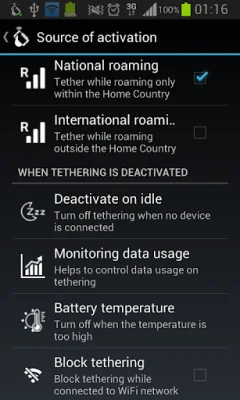
The app also includes a widget that can be placed on the home screen for quick and easy access to turning on or off WiFi tethering and internet connection. It also has the ability to activate tethering when a Bluetooth device is connected, and when a USB or AC charger is connected. The app also monitors data usage and will deactivate tethering once the limit is exceeded, as well as monitoring battery temperature and suspending tethering if the maximum temperature is exceeded.
In the future, the app plans to add a feature that will allow for deactivation on selected WiFi networks. However, due to changes in Android 5.0 (Lollipop), enabling internet connection from the app is not possible and has been blocked for devices with newer versions of Android. It is important to note that rooting the phone is not required to use this app.
The app also includes an icon made by Freepik from www.flaticon.com. If users have any suggestions for new features or changes to existing ones, they can fill out a feedback form provided by the app. The developers encourage users to be original and SEO-oriented when submitting feedback. Overall, this app offers a convenient and efficient way for users to manage their WiFi tethering and internet connection on their mobile devices.
Rate the App















Popular Apps









