

Gamepad for Android TV
1.0.2 by AIO TECH (0 Reviews) April 26, 2026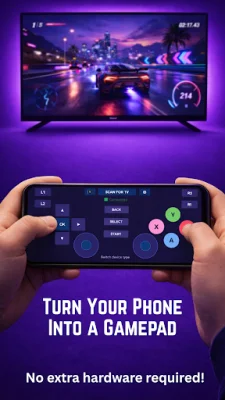
Latest Version
1.0.2
April 26, 2026
AIO TECH
Tools
Android
0
Free
com.gamepad.gamepadapp
Report a Problem
More About Gamepad for Android TV
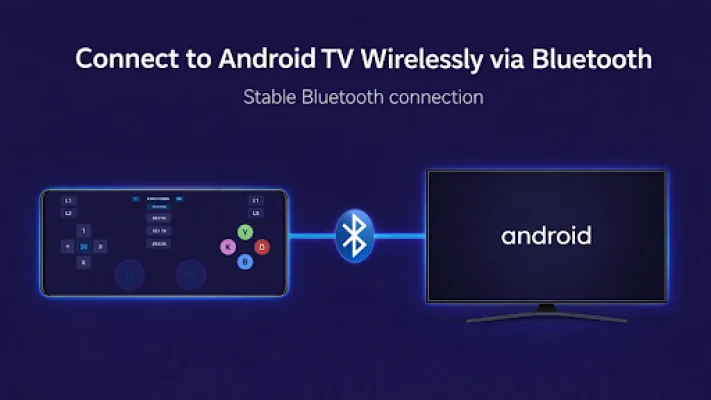
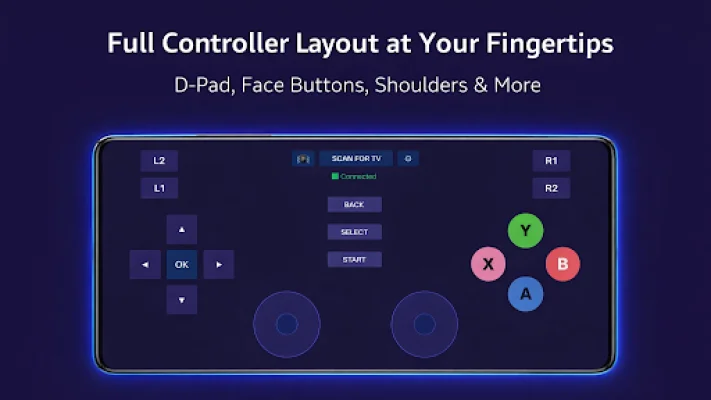
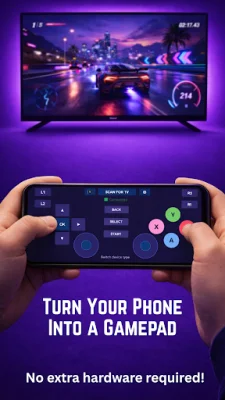
Gamepad for Android TV is an application that allows you to use your phone as a game controller for your Android TV. This is made possible through a Bluetooth connection between your phone and TV, giving you a fully functional game controller on your phone's touchscreen. This eliminates the need for a separate physical game controller and allows for a more convenient and portable gaming experience.
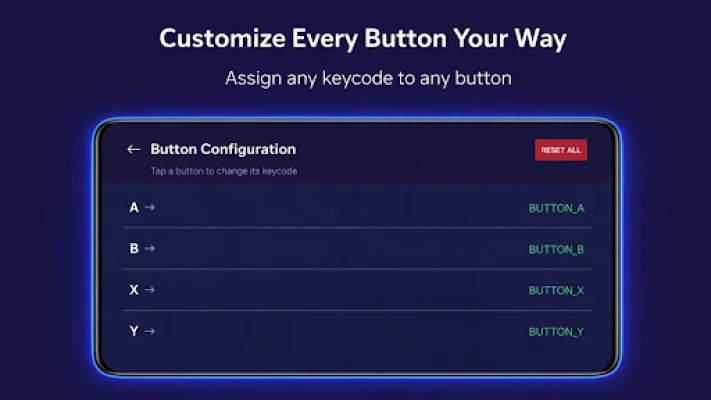
The app features a D-Pad with slide detection, allowing you to smoothly navigate by sliding your thumb. It also includes PlayStation-style face buttons (A, B, X, Y), shoulder buttons (L1, L2, R1, R2), dual analog joysticks, and select, start, and back buttons. These buttons also provide haptic feedback when pressed. Additionally, the app allows for customizable button mapping, meaning you can assign any keycode to any button according to your preferences.
The app is designed to be user-friendly and easy to use. It automatically connects and minimizes, so all you have to do is pair your devices and start playing. It works not only on the Android TV home screen but also inside apps, providing a seamless gaming experience. The app also has a single APK, meaning it works as a controller on your phone and a receiver on your TV.
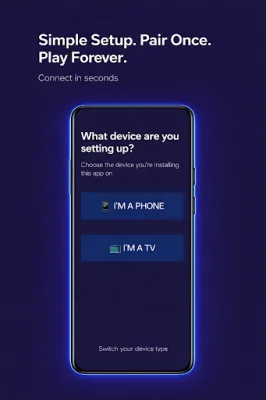
To use the app, you need to install it on both your phone and Android TV. Then, pair the devices via Bluetooth settings. On your TV, open the app and select "I'm a TV", and set it as the keyboard input. On your phone, open the app and select "I'm a Phone", scan for your TV, and connect. Once connected, you can start playing your favorite games.
The app is compatible with Android TV and Google TV devices, as well as Fire TV (with sideloading). It also works on any Android device running Android 5.0 and above. The only permission the app requires is Bluetooth, which is used to connect your phone and TV wirelessly. The app does not collect any personal data, display ads, or track your usage. The focus is on providing an original and SEO-oriented experience for users.
Rate the App












Popular Apps









