

PS Remote Play Controller
by Halmul Shient (0 Reviews) April 26, 2026
Latest Version
April 26, 2026
Halmul Shient
Tools
Android
0
Free
com.satoshi.gameps.remote.play
Report a Problem
More About PS Remote Play Controller
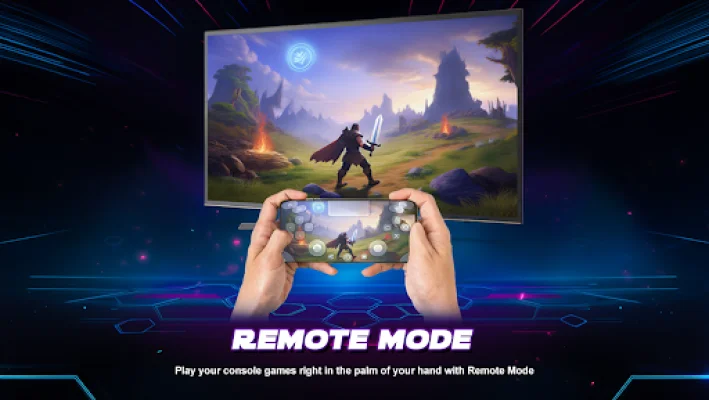
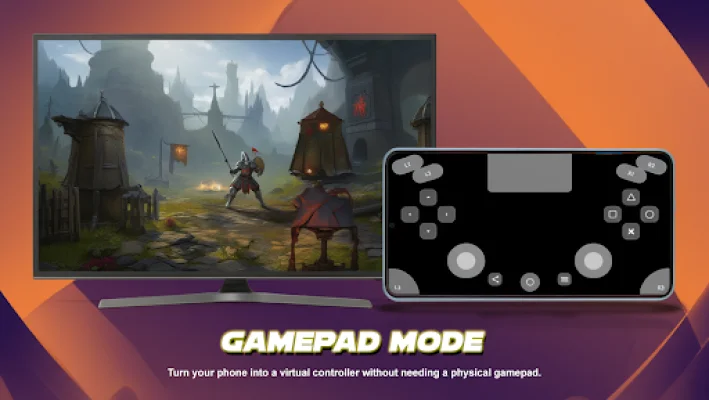
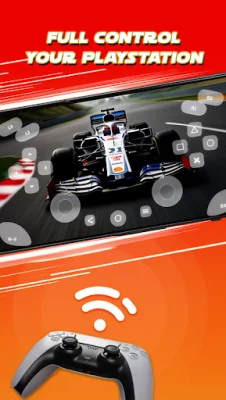
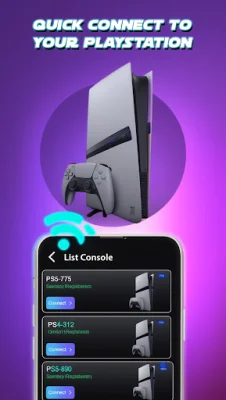
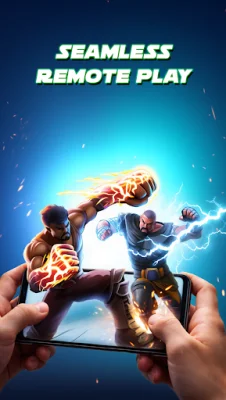
PS Remote Play – Game Controller is a mobile application that allows you to use your phone as a game controller for PlayStation Remote Play. This means that you can play your favorite PS5 and PS4 games anytime and anywhere, even without a physical controller. The app provides a virtual game controller that is fully functional and responsive, making it a convenient alternative for those who do not have a physical gamepad. One of the key features of this app is the virtual game controller. It is designed specifically for PS Remote Play and offers all the necessary buttons and controls for a seamless gaming experience. This is especially useful for those who do not have a physical controller or for those who prefer touch controls. With this app, you can play your games anywhere, as long as you have access to your console remotely. You can control gameplay directly from your phone using touch controls, making it a great option for gaming on the go. The app is compatible with both PS5 and PS4 remote play sessions, and the layouts are inspired by real controllers, providing a familiar and comfortable gaming experience. The controls of this app are optimized for low-latency input, ensuring a smooth and responsive gaming experience. This is especially important for games that require quick reflexes and precise movements. The app also works best under stable network conditions, so you can enjoy your games without any interruptions. There are many reasons to choose this app for your PS Remote Play needs. Firstly, you do not need a physical controller to play your games, making it a flexible alternative for users. The interface is also simple and clean, making it easy to use for all types of gamers. Additionally, the app is lightweight and does not take up much space on your device, making it a convenient option for mobile gaming. Using this app is simple and straightforward. All you need to do is ensure that your console supports PlayStation Remote Play, open the app, sign in, and connect to your console. Once connected, you can start playing your games using the on-screen controller. The app supports various scenarios, including PS5 Remote Play with touch controller mapping, PS4 Remote Play with a familiar layout, Wi-Fi gaming sessions, and mobile gaming without TV access. It is important to note that this app is a third-party companion for PlayStation Remote Play and is not affiliated with or endorsed by Sony Interactive Entertainment. However, it provides a great alternative for those who want to enjoy their PS Remote Play sessions without a physical controller. So, if you are a PS Remote Play user, this app is definitely worth considering.
Rate the App












Popular Apps









