

AweSun Host
by AWERAY PTE. LTD. (0 Reviews) May 17, 2026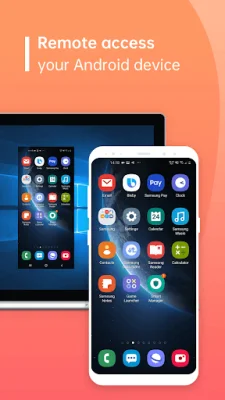
Latest Version
May 17, 2026
AWERAY PTE. LTD.
Tools
Android
0
Free
com.awesun.client.service
Report a Problem
More About AweSun Host
AweSun Remote Control is an application that allows you to remotely control your devices that have AweSun Host installed. This means that you can access and operate your devices from a different location, making it convenient for unattended operations such as file transfers, checking device information, and changing settings. It is important to note that both devices need to be logged in to the same account in order for the remote control to work, and the Accessibility Service must be enabled for this function to be achieved.
If you encounter a problem with your device and need assistance, AweSun Remote Control also allows for screen sharing through an identification code. This allows the other party to view your screen and provide help, but does not allow for remote control operations. It is a useful feature for troubleshooting and getting support from others.
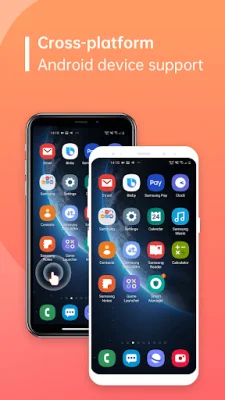
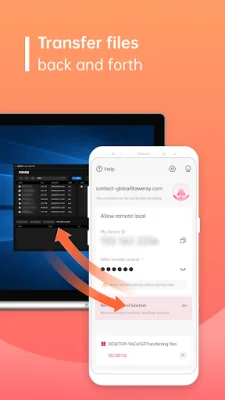
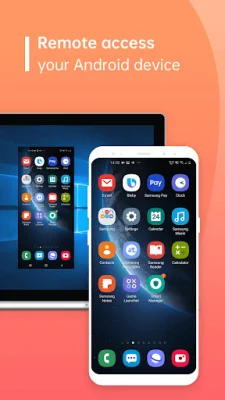
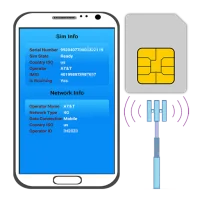
The application offers a variety of features, including remote access to your mobile phone screen, viewing device information, transferring files, and unattended operations. This means that you can perform tasks on your device without physically being present, making it convenient for situations where you cannot access your device directly.
In addition, AweSun Remote Control also allows you to view a list of applications on your device and uninstall them remotely. You can also adjust WiFi settings and view system diagnostic information in real-time. This makes it a comprehensive tool for managing and troubleshooting your devices remotely.
To use AweSun Remote Control, you need to download and install AweSun Host on the device you want to control, and AweSun Remote Control on the device you will be using to control it. You also need to enable the Accessibility Service permission for AweSun Host on the controlled device, after confirming the risk notification and permission description. Then, log in to the same account on both devices and set a password for remote connection on AweSun Host. Once logged in, you can easily control your devices through the device list on AweSun Remote Control.
Rate the App










Popular Apps









