

AweSun Remote Desktop
2.3.0.42499 by AWERAY PTE. LTD. (0 Reviews) July 26, 2024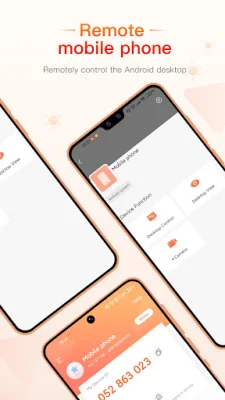

Latest Version
2.3.0.42499
July 26, 2024
AWERAY PTE. LTD.
Tools
Android
0
Free
com.awesun.control
Report a Problem
More About AweSun Remote Desktop
AweSun is a remote software that allows users to connect to their PC from anywhere using their phone. It is a free all-in-one solution that is used by over 200 million devices worldwide. With AweSun, users can access a virtual desktop on their phone and connect to their PC remotely. This makes it easy, fast, and secure to work or play from anywhere.
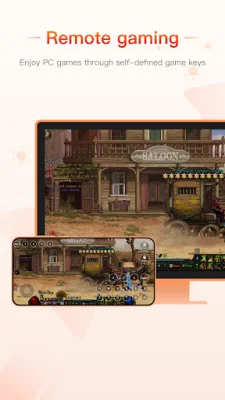
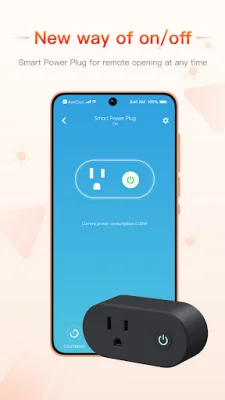
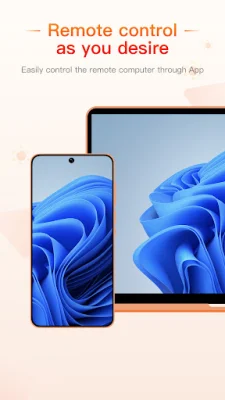
The application offers a variety of features that make it a versatile tool for both personal and commercial use. Users can use AweSun to remotely play PC games on their mobile device or another PC. It also allows for remote work, making it possible to create an online teamwork office and work from home. Additionally, AweSun offers remote access, allowing users to remotely control their PC with just one click. It also has the capability to control Android devices while on the go and turn on/off computers with a Smart Power Plug remotely.
AweSun is free to install and use for both personal and commercial purposes. It also offers practical functions such as remote CMD, remote printing, clipboard sharing, chat, blank host screen, and recording. The application uses encrypted sessions using RSA and AES, as well as a custom access passcode for added security. Users can also redeem free AweSun services by earning sunshine points.
To use AweSun for remote support, users need to install and launch the application on both devices and enter the device ID to grant access for remote connection. For remote access to their own devices, users can log in to the same account on both devices and add the device to the Device List to start remote control.
AweSun also offers in-app subscriptions that will be charged to the user's Google Account. The subscription will automatically renew within 24 hours before the end of the current subscription period unless the user turns off auto-renewal. Users can manage their subscription and turn off auto-renewal in their Google account settings. However, subscriptions cannot be canceled during the active subscription period.
For more information, users can visit the AweSun website at https://sun.aweray.com. The application also has a privacy policy and terms of use that can be found on the website for users to review. AweSun is a convenient and secure solution for remote access and support, making it a valuable tool for both personal and professional use.
Rate the App















Popular Apps









