
Bluetooth Auto Connect & pair
by Lbort App (0 Reviews) November 19, 2025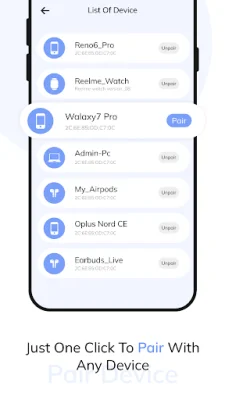
Latest Version
November 19, 2025
Lbort App
Tools
Android
0
Free
com.lbortautoconnect.bluetoothpairauto
Report a Problem
More About Bluetooth Auto Connect & pair
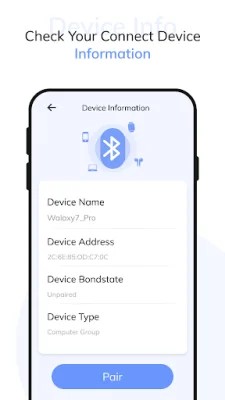
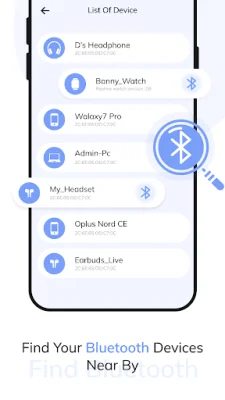
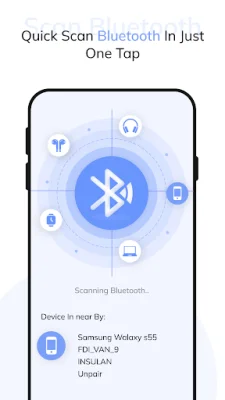
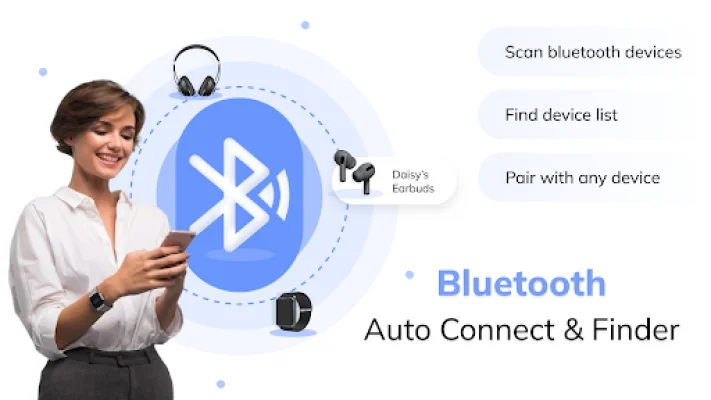
The Bluetooth Auto Connect and Finder apps are designed to make it easier for users to manage their Bluetooth connections and settings. With these apps, users can customize the priority of each device connection, scan for nearby wireless devices, and view details about their Bluetooth devices. The apps also allow users to filter devices into different groups, such as computer, phone, health, wearable, audio video, peripheral, networking, and other devices.
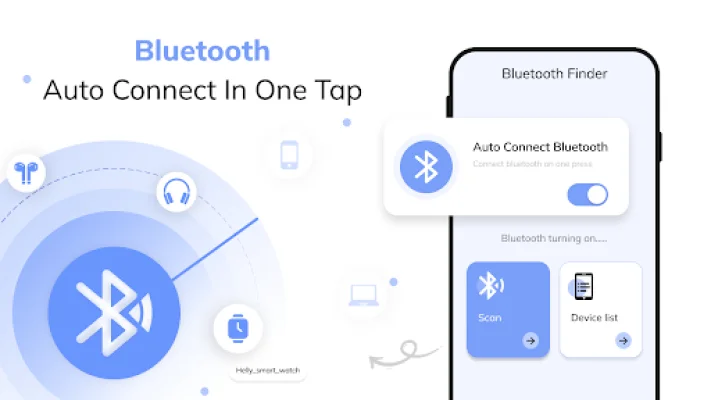
One of the most convenient features of these apps is the ability to automatically connect to paired Bluetooth devices. This is especially useful for devices like headphones, speakers, car stereos, and smartwatches. Users can also set preferences for each device, choosing whether the app should automatically connect, ask for permission, or ignore the device when in range.
The apps also offer customizable settings, such as the number of connection attempts, pause between profile connection attempts, and device timeout. Users can also easily enable or disable Bluetooth with just one tap.
The Bluetooth Auto Connect and Finder apps provide a comprehensive list of all connected devices, making it easy for users to manage and modify their connections. Users can also modify the device timeout, retry after, and retry count settings to suit their preferences.
Overall, these apps aim to simplify the process of managing Bluetooth connections and settings for users. With an intuitive and user-friendly interface, anyone can easily navigate and configure their Bluetooth connections with these apps.
Rate the App












Popular Apps









