

Bluetooth Auto Connect & Pair
by StarAppsTech (0 Reviews) April 06, 2026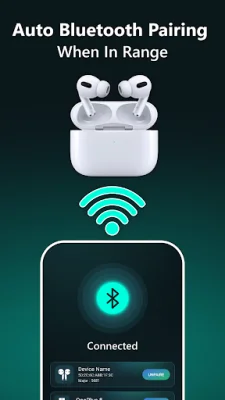
Latest Version
April 06, 2026
StarAppsTech
Tools
Android
0
Free
com.startapps.airpods.finder.connectbluetooth
Report a Problem
More About Bluetooth Auto Connect & Pair
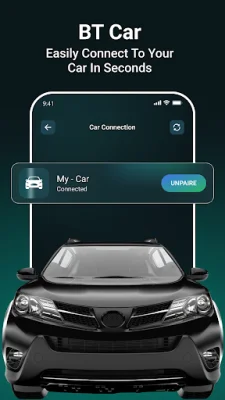
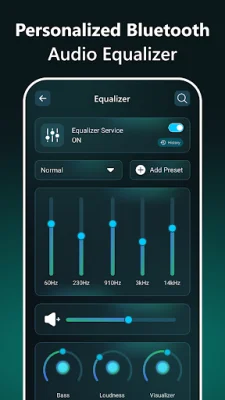
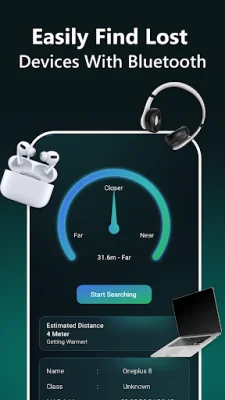
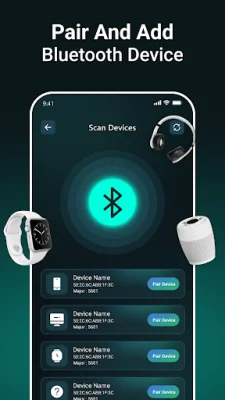
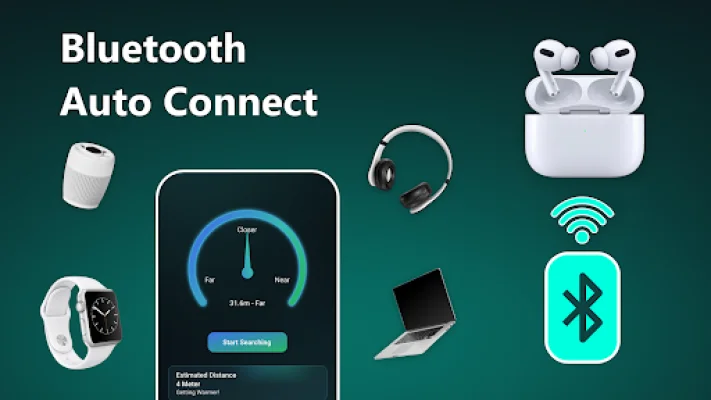
The Bluetooth app is a convenient and user-friendly tool that allows you to easily monitor and manage your Bluetooth-connected devices. With its Bluetooth-connected battery show feature, you can keep track of the battery level of your active device. This takes the stress out of connectivity and ensures that connecting devices is as simple as possible. For those who enjoy wireless freedom, the app offers a wireless headphones Bluetooth connection feature. This makes it easy to connect your wireless headphones and monitor their battery percentage in real-time with the Bluetooth airpods battery percentage monitor. This way, you can always be aware of the remaining power and enjoy uninterrupted listening. The app also includes a Bluetooth finder and locator, so you never have to worry about misplacing your devices again. With its Bluetooth device locator finder, you can easily pinpoint the location of your gadgets whenever they go missing. This is especially useful for finding your valuable earbuds with the Find My Bluetooth Device Earbuds feature. In addition to its connectivity and location tracking features, the app also offers an enhanced audio experience. With a Bluetooth bass booster equalizer, you can enjoy high-fidelity sound that elevates your listening experience. You can also take control of your audio settings with the Bluetooth audio control equalizer, allowing you to adjust the settings to your preference. Some other features of the app include the ability to find all devices, including Bluetooth pair 2 devices, unpaired, and unknown devices. You can also keep track of your devices, find low-energy devices, and display the battery status of connected devices. The app also allows you to review past scans in history and see any Bluetooth devices that were previously connected. Upgrade your Bluetooth experience with the Bluetooth app and enjoy trouble-free connectivity, enhanced audio quality, and peace of mind knowing the location and battery status of your devices at all times. Its simple and friendly user interface makes it easy to use, so download Bluetooth Pair and connect now to enhance your wireless audio experience.
Rate the App















Popular Apps









