

Bluetooth On/Off Widget
3.6 by Dmitriy Lapayev (0 Reviews) October 18, 2024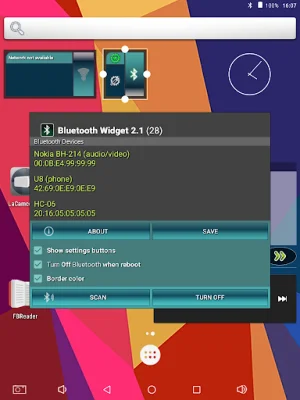
Latest Version
3.6
October 18, 2024
Dmitriy Lapayev
Tools
Android
0
Free
lapay.biz.bluetooth
Report a Problem
More About Bluetooth On/Off Widget
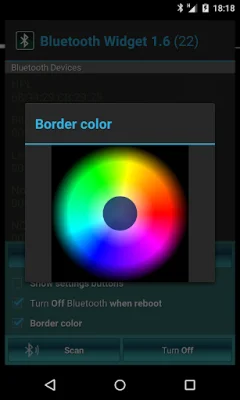
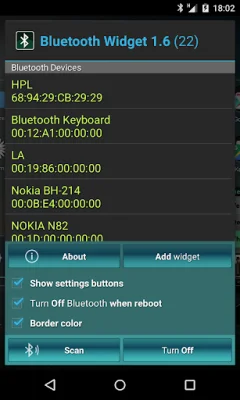
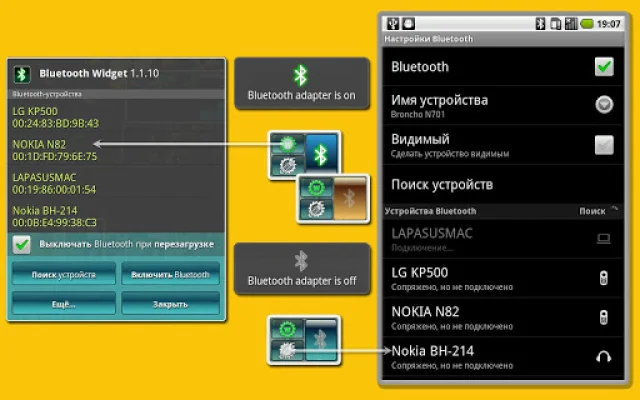
This application allows users to easily manage their Bluetooth settings on their Android devices. It offers a variety of options and features to customize the Bluetooth experience, making it more convenient and user-friendly. With this app, users can turn off their Bluetooth adapter when their device is rebooted, switch between one button or three button settings, and even change the border color of the widget for devices running on Android 2.2 and above.
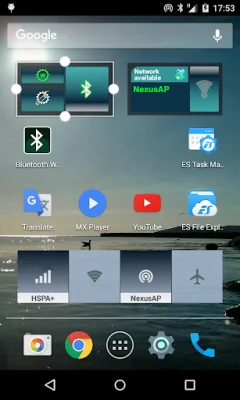
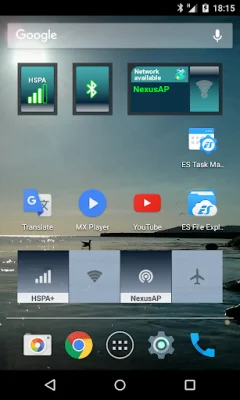
One of the key features of this app is the ability to start scanning for Bluetooth devices, making it easier for users to connect to other devices. This is especially useful for those who frequently use Bluetooth to connect to speakers, headphones, or other devices. Additionally, for devices running on Android 3.1 and above, users can also change the horizontal and vertical size of the widget, allowing for a more personalized experience.
For devices running on Android 6.0 and above, the app requires the permission "Location" (network-based) in order to discover available Bluetooth devices. This is a necessary step in order for the app to function properly and provide users with the best experience. However, users must ensure that location services are enabled on their device in order for the app to work.
Another useful feature of this app is the option to make the device discoverable to other Bluetooth devices. This can be done by clicking on the "More..." button, making it easier for other devices to find and connect to the user's device. This is especially helpful for those who frequently share files or connect to other devices via Bluetooth.
In conclusion, this app offers a wide range of features and options to make managing Bluetooth settings on Android devices easier and more customizable. With its user-friendly interface and convenient features, it is a must-have for anyone who frequently uses Bluetooth on their device. So why wait? Download this app now and take control of your Bluetooth settings!
Rate the App














Popular Apps









