

Cast To TV: Screen Mirroring
1.1.3 by GAM Mobile App (0 Reviews) October 06, 2024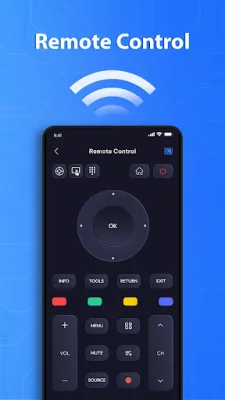

Latest Version
1.1.3
October 06, 2024
GAM Mobile App
Tools
Android
0
Free
com.productivity.cast.tvremote.screen.mirroring
Report a Problem
More About Cast To TV: Screen Mirroring
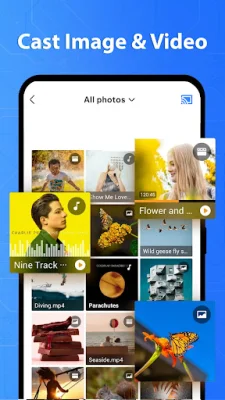
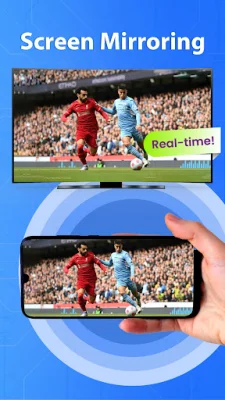
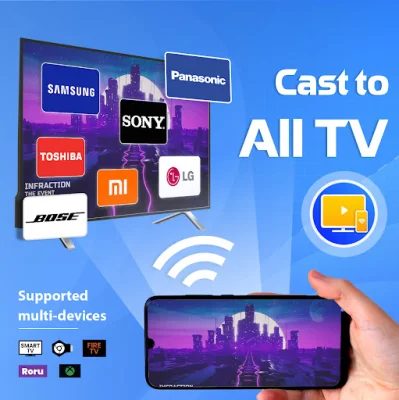
Cast to TV - Screen Mirroring is a versatile and convenient application that allows users to easily cast media from their phone to their TV. With this app, you can effortlessly share photos, videos, documents, and even play video games on a bigger screen. The screen mirroring feature ensures a stable and real-time connection between your phone and TV, providing a seamless viewing experience.
One of the standout features of Cast to TV is its ability to control your TV with your smartphone. This eliminates the need for multiple remotes and allows you to easily navigate and control your TV from a distance. Additionally, the app is compatible with all smart TV brands, making it accessible to a wide range of users.
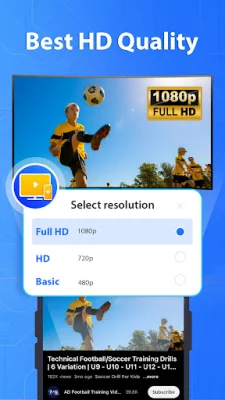
In addition to casting media, Cast to TV also allows you to stream web videos and video games in real-time on your TV. This is perfect for family gatherings or online meetings, as it eliminates any disruptions or delays. The app also has a user-friendly interface, making it easy to connect your phone to your TV and start sharing your screen.
To use Cast to TV, simply turn off your VPN, ensure that your TV and phone are connected to the same Wi-Fi network, and open the app to connect your phone to your TV. From there, you can easily cast media, watch videos, and even hold online meetings on a bigger screen. However, please note that the app may not work well on some smart TVs.
In conclusion, Cast to TV - Screen Mirroring is a powerful and efficient app that enhances your viewing experience and makes life easier. Whether you want to cast media, stream videos, or remotely control your TV, this app has you covered. So why wait? Install Cast to TV today and start enjoying your phone display on a bigger screen! Thank you for your support.
Rate the App













Popular Apps









