Chromecast & Android TV Remote
1.4.0 by NewWorld Technologies (0 Reviews) July 28, 2024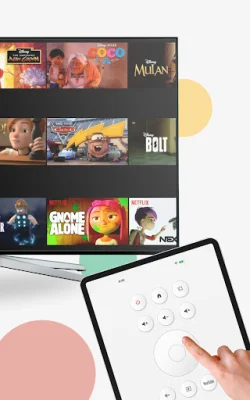
Latest Version
1.4.0
July 28, 2024
NewWorld Technologies
Tools
Android
0
Free
com.afl.chromecastremote
Report a Problem
More About Chromecast & Android TV Remote
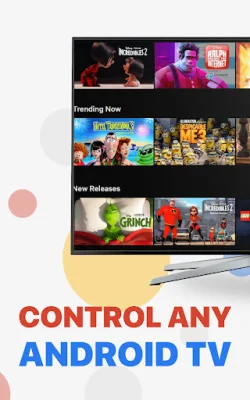
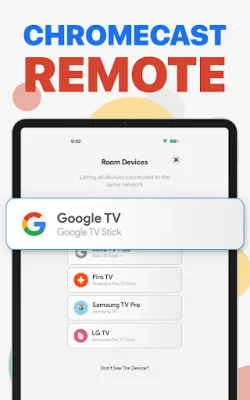
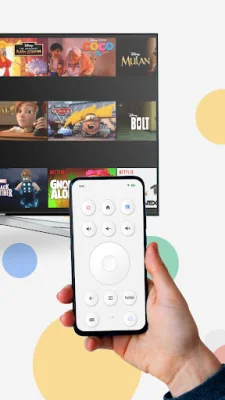
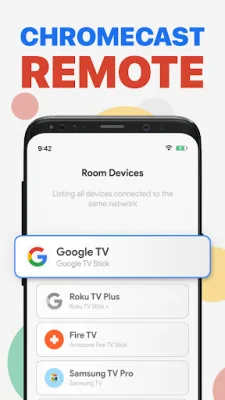
Chromecast Remote is an app that allows you to control your TV with your smartphone. It offers a variety of features to simplify and enhance your TV experience. With this app, you can effortlessly control your TV, connect to your Chromecast device, use a touchpad for navigation, easily enter text, and launch your favorite channels with just one tap. It is compatible with Chromecast with Google TV, Chromecast supported TVs, and all Android TVs.
The app's key feature is its effortless control, which transforms your smartphone into a sophisticated remote control. The interface is designed for maximum user-friendliness, making it easy to navigate and use. The setup process is also simple, with automatic connection to your Chromecast device without the need for complicated pairing or technical knowledge.
The touchpad feature allows for precise and easy navigation through menus and streaming platforms. No more frustrating scrolling or trying to remember which button does what. The app also includes a built-in keyboard for easy text input, eliminating the need to use the number pad on your TV remote.
One of the most convenient features of Chromecast Remote is the ability to launch your favorite streaming services with just one tap. This saves time and simplifies your TV experience. The app is compatible with a variety of devices, including Chromecast with Google TV, Chromecast supported TVs, and all Android TVs.
It's important to note that Chromecast Remote is an independent application and not an official product of Google. However, it is designed with convenience in mind and aims to provide the best possible TV control experience. The app developers value user feedback and encourage users to reach out with suggestions, issues, or thoughts about the app. This feedback directly contributes to the app's development, making it a user-oriented and constantly improving tool for TV control.
Rate the App















Popular Apps









