

Clone Phone - OnePlus app
13.3.6 by OnePlus Ltd. (0 Reviews) July 23, 2024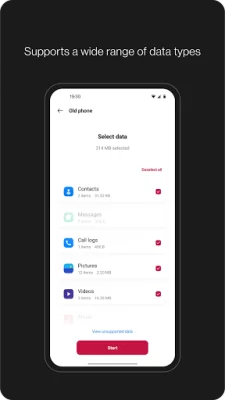
Latest Version
13.3.6
July 23, 2024
OnePlus Ltd.
Tools
Android
0
Free
com.oneplus.backuprestore
Report a Problem
More About Clone Phone - OnePlus app
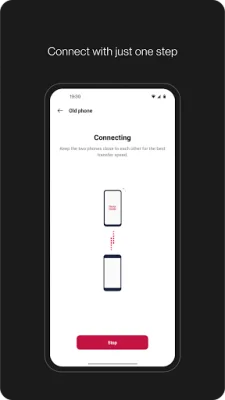
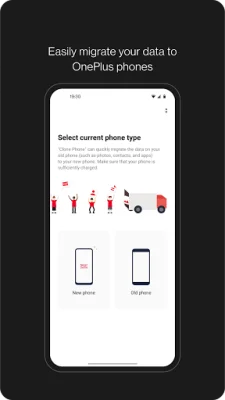
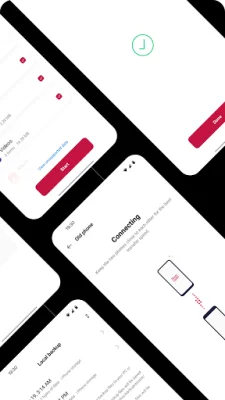
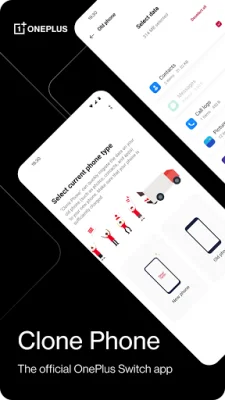
Data migration is a convenient feature offered by Clone Phone that allows users to transfer their data from Android devices to OnePlus phones without the need for a network connection. However, for transfers from iOS devices, a data connection may be required. This feature supports the migration of various types of data such as contacts, SMS, call history, calendar, photos, videos, audio, and even certain app data.
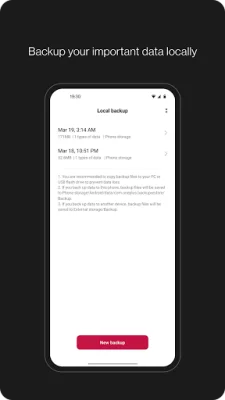
In addition to data migration, Clone Phone also offers a data backup function that allows users to safely backup their data for future use. This is especially useful in case of data loss or when switching to a new device. The data backup feature supports the backup of contacts, SMS, call history, notes, desktop layouts, and apps (excluding data).
It is important to note that the supported data for both data migration and backup may vary depending on the system and Android version. Therefore, it is recommended to check if the data is still functional after a transfer or backup restore. In case of any issues or problems with the app, users can provide feedback or report bugs on the OnePlus Community forums.
If users encounter insufficient storage space while using Clone Phone, they can try migrating data in batches or clearing up storage space on their device. This will ensure a smooth and successful data transfer or backup process. With Clone Phone, users can easily and efficiently manage their data when switching to a new device or in case of data loss.
In conclusion, Clone Phone offers a user-friendly and reliable solution for data migration and backup. With its support for various types of data and easy-to-use interface, users can seamlessly transfer or backup their data without any hassle. It is a must-have app for OnePlus phone users who want to ensure the safety and accessibility of their data.
Rate the App














Popular Apps









