

CPU & Device Info: Phone Specs
by SrinathX (0 Reviews) April 10, 2026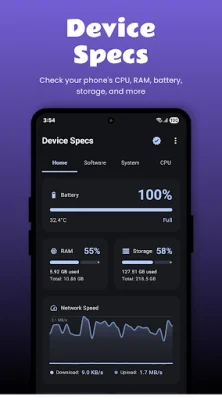
Latest Version
April 10, 2026
SrinathX
Tools
Android
0
Free
com.srinathx.devicestats
Report a Problem
More About CPU & Device Info: Phone Specs
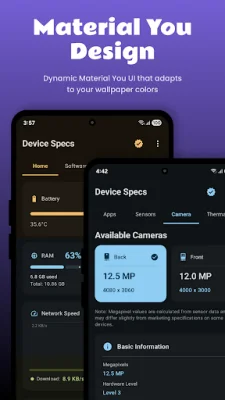
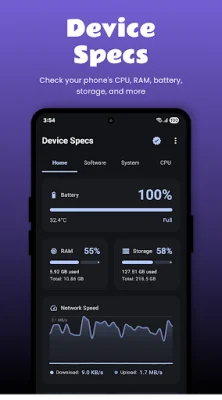
Device Specs is a helpful app for Android users that provides detailed information about their device. It is a utility app that displays hardware, software, and system details in a clear and simple way. Some features may vary depending on the device's hardware, Android version, and system support.
The app allows users to view general details about their device, such as the model and manufacturer, Android version, build number, and system properties. It also provides information about the runtime and software environment. This can be useful for troubleshooting issues or understanding the capabilities of the device.
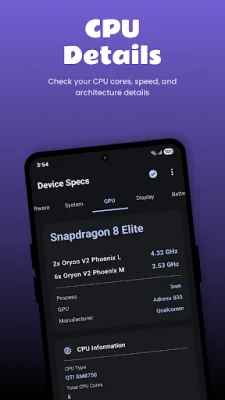
Users can also check processor-related information, including CPU and SoC details, number of cores and architecture, and CPU frequency and usage (if supported by the device). This can help users understand the performance of their device and make informed decisions about which apps to use.
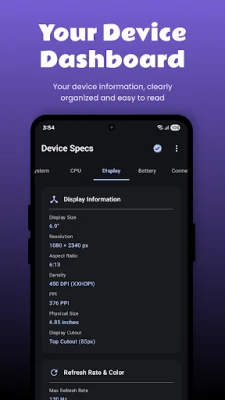
The app also displays display-related details, such as screen resolution and density, refresh rate, and supported display modes (depending on the device). This can be helpful for understanding the display capabilities of the device and optimizing settings for a better viewing experience.
Device Specs also provides battery-related information, including battery level and charging status, temperature and voltage, and charging and power information (if available). This can be useful for monitoring battery health and optimizing usage to prolong battery life.
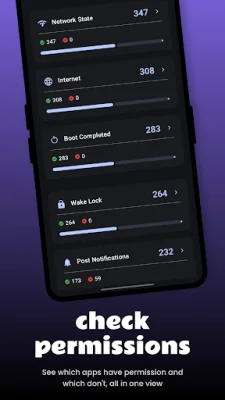
Other features of the app include viewing connectivity and network information, camera details, installed apps information, and DRM and security information. The app has a simple and easy-to-use interface, and does not require root access. It is a helpful tool for understanding and managing your Android device.
Rate the App














Popular Apps









