
Easy File Transfer
by IDGT SOFT (0 Reviews) April 08, 2026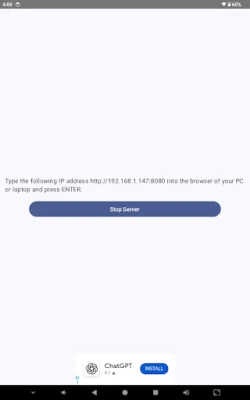
Latest Version
April 08, 2026
IDGT SOFT
Tools
Android
0
Free
com.transfer.file.easy
Report a Problem
More About Easy File Transfer
This application allows users to easily manage and transfer files on their phone, whether it be from the internal memory or an SD card. One of its key features is the ability to browse through the phone's storage, giving users full access to all their files. This can be done through a web UI, making it convenient for users to manage their files from any modern browser on their desktop or mobile device.
The transfer process is made simple with the option to upload files to the phone or download them from it. This two-way transfer allows for easy file sharing between devices. Users can also perform file operations such as uploading or downloading individual files.
For those who need to transfer multiple files at once, this application offers the option to select multiple files and download them as a zip archive. This makes it easier to transfer a large number of files without having to download them one by one. Additionally, the application offers bulk actions, allowing users to handle multiple files at once. This includes parallel uploading and downloading, making the transfer process faster and more efficient.
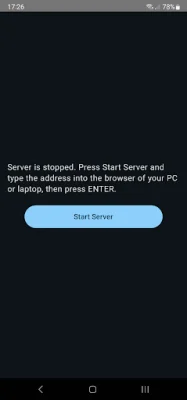
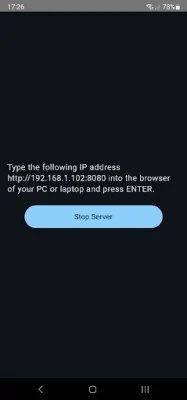
One of the most convenient features of this application is that it eliminates the need for cables. The transfer process is done through Wi-Fi, making it more convenient and hassle-free for users. The setup process is also simple, requiring users to only start the server and type in the address shown on a device connected to the same Wi-Fi network as the phone.
In summary, this application offers a user-friendly and efficient way to manage and transfer files on a phone. With its various features such as full phone storage browsing, web UI, two-way transfer, and bulk actions, users can easily handle their files without the need for cables. Its simple setup process and compatibility with any modern browser make it a convenient tool for users to have.
Rate the App














Popular Apps









