

SetEdit: Settings Editor
1.3.3 by NetVor (0 Reviews) April 08, 2026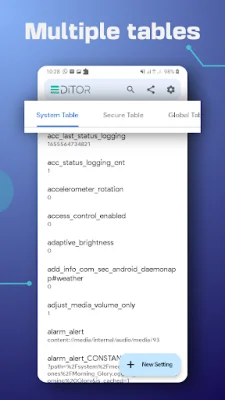
Latest Version
1.3.3
April 08, 2026
NetVor
Tools
Android
0
Free
com.netvor.settings.database.editor
Report a Problem
More About SetEdit: Settings Editor
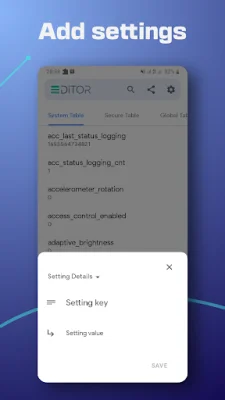
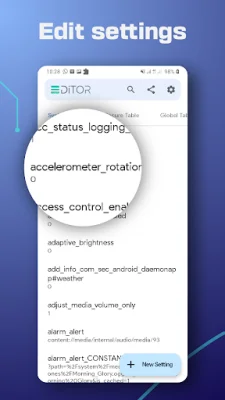
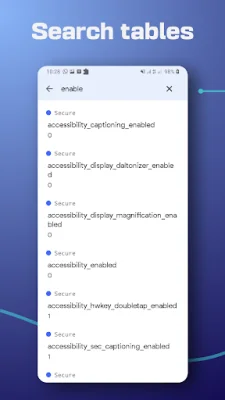
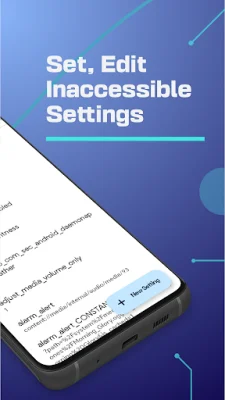
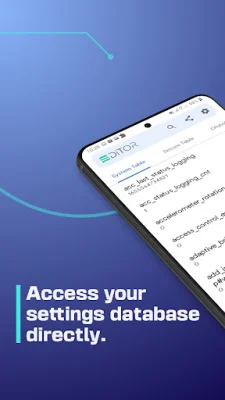
SetEdit is an application that allows users to view and modify the settings configuration file, also known as the settings database, on their Android devices. This file contains a list of key-value pairs organized into different tables, such as SYSTEM, GLOBAL, SECURE, or ANDROID properties. With SetEdit, users can easily set, edit, delete, or add new settings to their device. However, caution must be taken as making changes without proper knowledge can potentially cause issues.
SetEdit offers a variety of useful tuning options that can enhance the user experience and customize the device's settings. For example, users can customize the control center or toolbar buttons by adding or removing them, changing colors, or enabling blur backgrounds. They can also fix refresh rate issues, enable different refresh rates, tune the System UI, lock the network band mode, control battery saver mode, and more.
Many users take advantage of SetEdit to gain free services, such as enabling tethering and hotspot, getting themes and fonts for free, and controlling screen pinning. The app also allows users to change display size, turn off brightness warnings, disable fingerprint animations, switch between dark and light mode, and even bring back old gestures from previous device versions.
It's important to note that some settings may require users to grant the Write Secure Settings permission through ADB. Additionally, if the app is uninstalled, any changes made may be lost. It's also worth mentioning that the settings database keys may vary depending on the device's software, and making changes to unknown settings can be risky. The app developers are not responsible for any damage caused by user modifications.
If users have any questions or concerns about using SetEdit, they can contact the developers at [email protected]. Overall, SetEdit offers a unique and customizable experience for Android users who want to take control of their device's settings.
Rate the App














Popular Apps









