

File Converter
18.9.1 by Ice Cold Apps (0 Reviews) September 15, 2024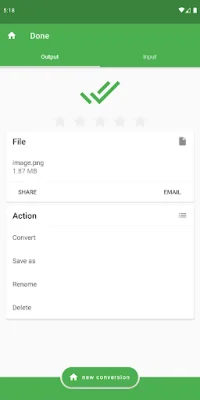

Latest Version
18.9.1
September 15, 2024
Ice Cold Apps
Tools
Android
0
Free
com.icecoldapps.fileconverter
Report a Problem
More About File Converter
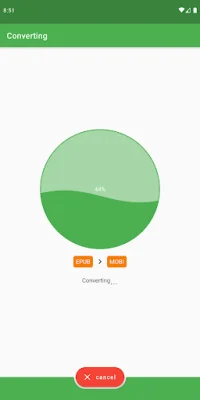
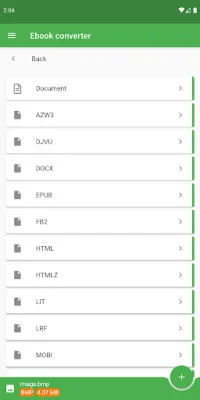
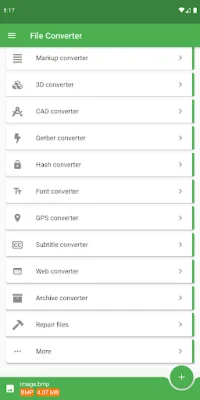
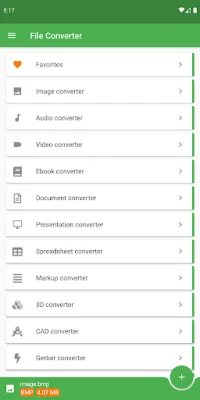
The File Converter app is a cloud-based tool that allows users to convert files from over 2000 source formats. This includes audio, e-books, videos, 3D models, documents, presentations, CAD drawings, images, LaTeX, fonts, spreadsheets, Gerber PCB, and even metadata. The app is designed to be user-friendly and efficient, allowing for quick and easy conversions without draining your device's battery.
The app supports a wide range of output formats for each file type. For example, e-books can be converted to Amazon Kindle, Open eBook, DOCX, Fictionbook, and more. Videos can be converted to MPEG-4, WebM VP8, Windows Media Video, and other popular formats. Images can be converted to PNG, JPG, Bitmap, and even newer formats like WebP and EXR. Audio files can be converted to MP3, WAV, FLAC, OGG, and more.
In addition to file conversion, the app also offers other features such as file compression, hash generation, and metadata extraction. Users can also edit their files before converting, such as adjusting video codecs, audio bitrates, and image quality. The app also allows for conversions from URLs and between different categories.
Some potential uses for the File Converter app include extracting music from videos, converting text to audio for e-books, converting raster images to vectors, and creating ringtones. It can also be used for more practical purposes such as converting PDFs to Word documents, optimizing files for mobile devices, and password protecting PDFs.
It's important to note that the app cannot convert secured PDF or ZIP files, as well as DRM-protected files. The developers also encourage users to be original and SEO-oriented when using the app. Overall, the File Converter app offers a wide range of features and formats for all your file conversion needs.
Rate the App















Popular Apps









