

File Manager
V1-210601 by Xiaomi Inc. (0 Reviews) July 24, 2024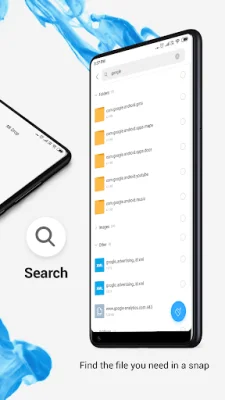
Latest Version
V1-210601
July 24, 2024
Xiaomi Inc.
Tools
Android
0
Free
com.mi.android.globalFileexplorer
Report a Problem
More About File Manager
This application is designed to help users easily manage and access their files on their devices. It offers a variety of key features that make it convenient and efficient to use. One of the main features is the ability to view recently accessed files without having to search for them. This saves time and makes it easier to find important documents or media that were recently used.
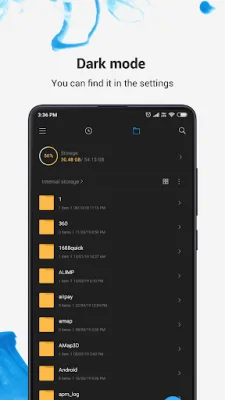
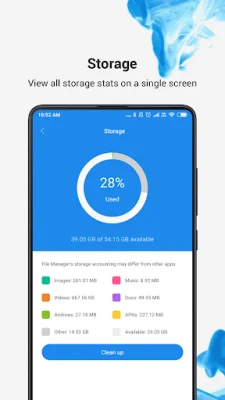
The app also organizes files into categories based on their format, making it easier to access frequently used apps quickly. This feature is especially useful for those who have a lot of files on their device and want to keep them organized. Users can also view their storage stats and manage all folders on their device, allowing them to easily free up space and keep track of their storage usage.
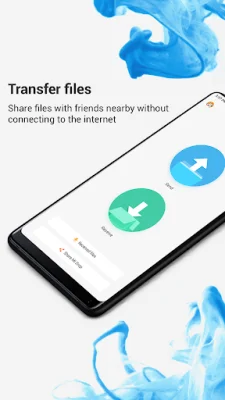
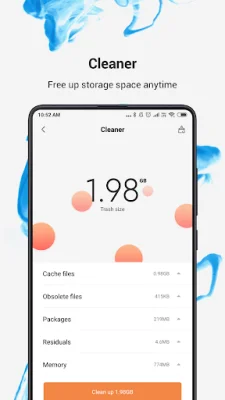
In addition to managing files, the app also has a cleaner feature that helps users free up storage space by deleting cache and junk files. This is a great way to keep devices running smoothly and efficiently. Another unique feature is Mi Drop, which allows users to share files with friends who are nearby without needing an internet connection. This is perfect for quickly sharing photos, videos, or documents with others.
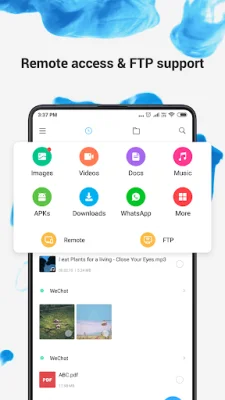
The app also has a global search function, allowing users to enter keywords to find specific files. This makes it easy to locate files without having to manually search through folders. The app supports multiple file formats, including videos, music, documents, APKs, and compressed files, making it a versatile tool for managing various types of files.
For those who need to compress or decompress files, the app also offers a file compression feature for ZIP/RAR archives. This is a useful tool for those who need to save space or send large files. Users can also manage multiple files at once by selecting them for the same operation, saving time and effort. The app also supports multiple languages, making it accessible to a wide range of users around the world.
Rate the App















Popular Apps









