
File Manager for Superusers
1.3.0(9010215) by Maple Media (0 Reviews) December 17, 2025
Latest Version
1.3.0(9010215)
December 17, 2025
Maple Media
Tools
Android
0
Free
fm.clean.pro
Report a Problem
More About File Manager for Superusers
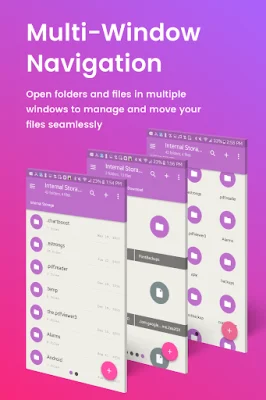
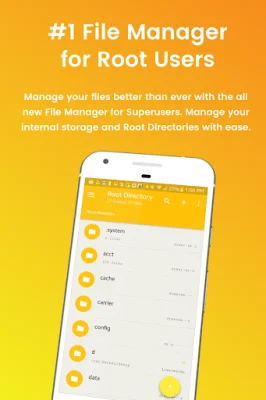
The Root Explorer application allows users to access and explore all of the root directories and subdirectories on their Android device. This advanced root browser also offers features such as a SQLite Database Editor, APK Analyzer, multi-pane navigation, and the ability to execute script files. Users can also install zip files using clockwork recovery and change file permissions and ownerships.
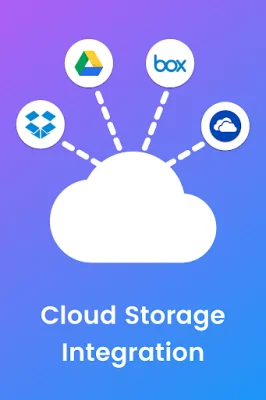
In addition to accessing root directories, the app also allows users to access and transfer files on popular cloud storage platforms such as Box, Dropbox, Google Drive, and One Drive. This makes it easy to manage and organize files across different devices and platforms.
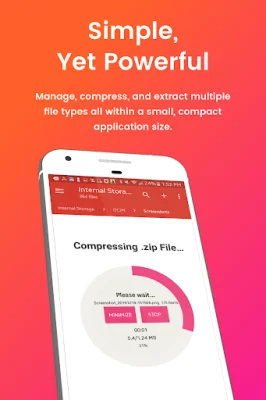
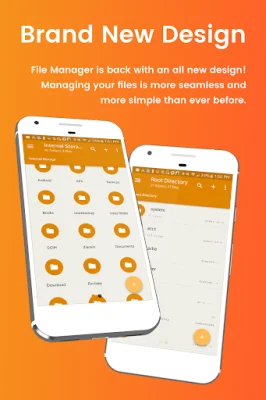
The file manager and file explorer features of Root Explorer are fully customizable, allowing users to choose their own colors, themes, icons, and file/view layout. This includes the ability to transfer content, copy and paste, compress, extract ZIP, RAR, BIN, TAR, JAR, and APK files, as well as delete and move files between local drive, external storage, and cloud storage.
For users who need to manage files on external devices, Root Explorer also offers an external file manager. This allows for easy access and transfer of files, storage backup, and USB Flash Drive management. The app also includes a music player for mp3 files and a video player for managing and watching favorite video files.
One of the key features of Root Explorer is its ability to give users full control over all device files. This includes the ability to search and access any file in the system directory, sort by name, size, and date, and create, move, copy/paste, transfer, and delete any file. The app also offers cloud storage integration for easy file sharing with contacts.
Overall, Root Explorer offers a comprehensive set of features for managing and organizing files on Android devices. With its customizable options and advanced capabilities, it is a valuable tool for users who want full control over their device's root directories and files. For any questions or support, users can contact the developers at [email protected].
Rate the App











Popular Apps









