
File Manager PRO
by Mobiem (0 Reviews) December 11, 2025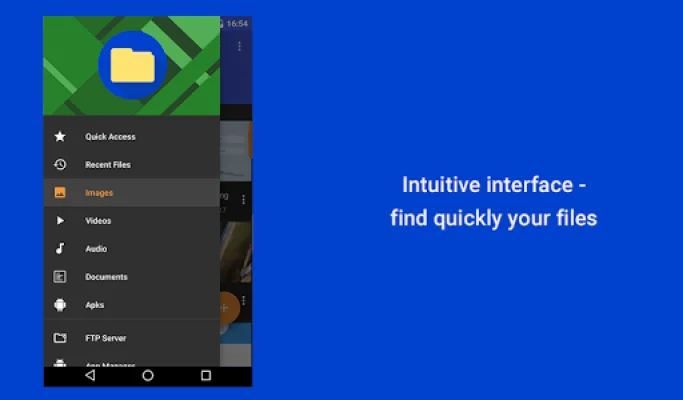
Latest Version
December 11, 2025
Mobiem
Tools
Android
0
Free
pl.mobiem.android.filemanager
Report a Problem
More About File Manager PRO
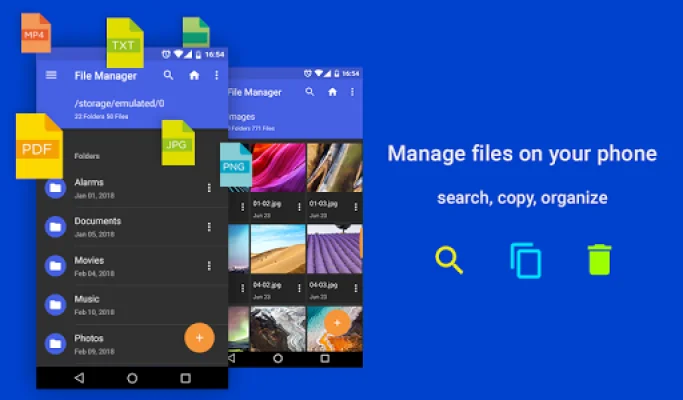
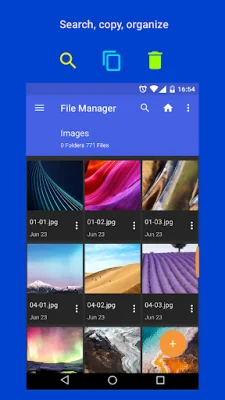
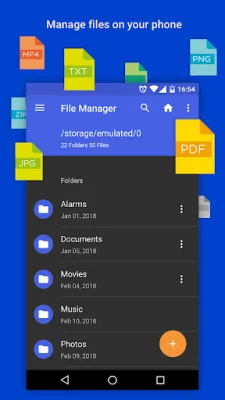
The File Manager and File Explorer application is a versatile tool that allows you to easily manage and organize your files, regardless of where they are stored. It offers a wide range of features such as copying, moving, renaming, deleting, searching, sharing, viewing, compressing, and organizing files. This makes it a convenient and efficient solution for all your file management needs.
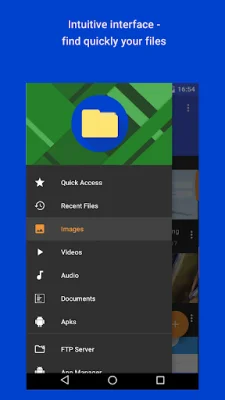
The application supports various file types, including photos, audio, videos, and documents. This means you can easily access and manage all your files in one place, without having to switch between different apps. The supported file formats include BMP, GIF, JPG, PNG, mp3, ogg, flac, m4p, wav, wma, asf, avi, flv, mp4, mpeg, wmv, doc, ppt, pdf, and more.
One of the key features of this application is its zip compressor, which allows you to compress files into the ZIP format. This not only helps you save disk space, but also makes it easier to send large files via email. The intuitive Application Manager lets you manage and back up your Android apps and games, share them with friends, or free up space by uninstalling old programs.
The smart file explorer is another useful feature that allows you to search, open, rename, move, remove, or share files stored on your device's internal memory, microSD card, or cloud account. This makes it easy to access and manage your files, no matter where they are located. Additionally, the built-in image gallery allows you to quickly view your graphics without having to switch to a separate app.
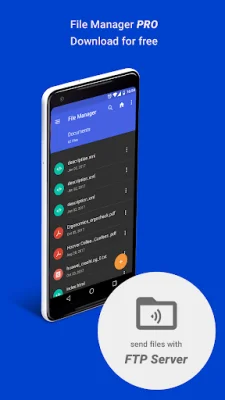
Lastly, the application also allows you to create an FTP server, which enables you to share files, photos, and videos with your friends on your local network. This adds an extra level of convenience and makes it easier to share files with others. Overall, the File Manager and File Explorer application is a comprehensive and user-friendly solution for all your file management needs.
Rate the App















Popular Apps









