

Automatic Call Recorder Voice
by AS Corp Pvt Ltd (0 Reviews) April 10, 2026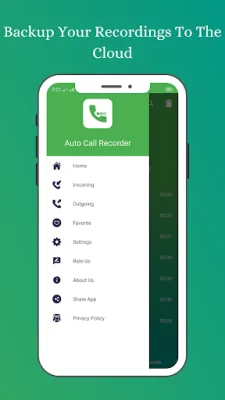
Latest Version
April 10, 2026
AS Corp Pvt Ltd
Tools
Android
0
$0.49
com.ascorp.autovoicecallrecorder
Report a Problem
More About Automatic Call Recorder Voice
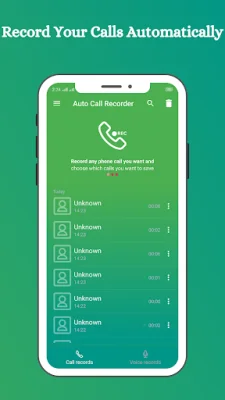
This application is designed to record phone calls on your device. However, it is important to note that call recording may not work on certain handsets and can result in lower quality recordings. To avoid any issues, it is recommended that you try the free version of the app before purchasing the paid version.
If you encounter any problems with recording or wish to improve the voice quality, you can try recording from a different audio source or use the auto-on speaker mode. This may help to improve the overall recording experience.
All recorded calls are stored in the Inbox, and you have the option to set the size of the inbox. The number of saved calls is only limited by the memory on your device. If you find a conversation to be important, you can save it and it will be stored in the Saved Calls folder. Otherwise, old recordings will be automatically deleted when new calls fill up the inbox.
You also have the option to enable a Call Summary Menu, which will provide you with options immediately after a call. This can be helpful for quickly accessing and managing your recordings. Additionally, you can search for specific recordings by contact, phone number, or note.
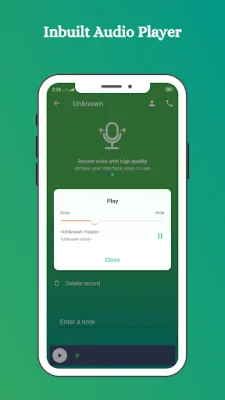
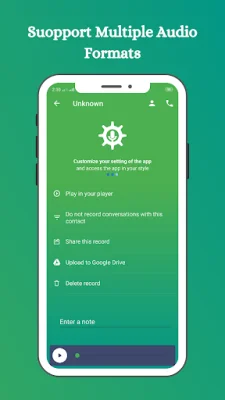
Some other features of this app include the ability to add numbers to a special list and only record calls between those numbers, the option to share and manage recordings through social apps, the ability to add recordings to favorites for easy access, and support for multiple audio formats and sources. You can also back up your recordings to the cloud and set a password to keep them private. The app also includes a voice recorder for taking notes and memos. Overall, this app offers a fast, user-friendly experience with a variety of useful features for recording and managing phone calls.
Rate the App














Popular Apps









