

Flow Auto Clicker: Auto Tapper
1.2.5 by Androxus (0 Reviews) October 28, 2024
Latest Version
1.2.5
October 28, 2024
Androxus
Tools
Android
0
Free
com.androxus.autoclicker
Report a Problem
More About Flow Auto Clicker: Auto Tapper
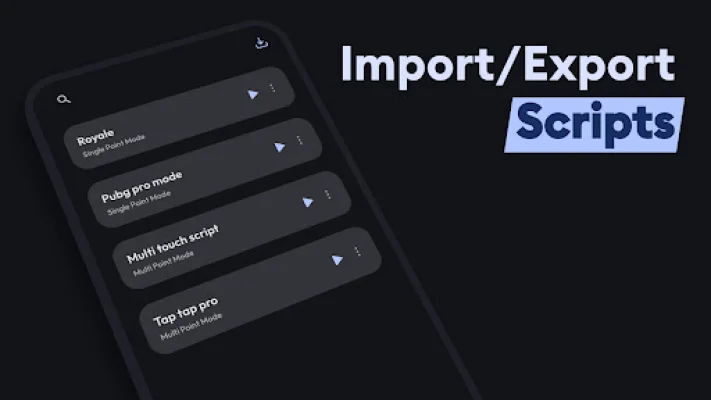
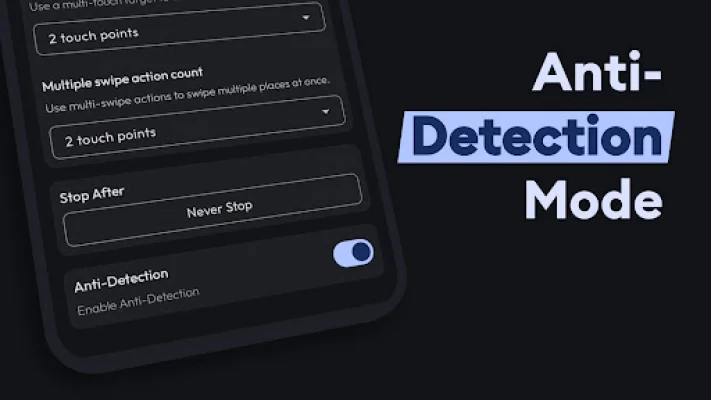
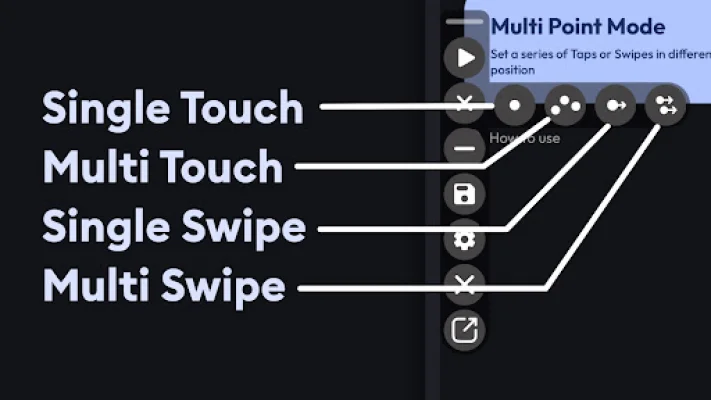
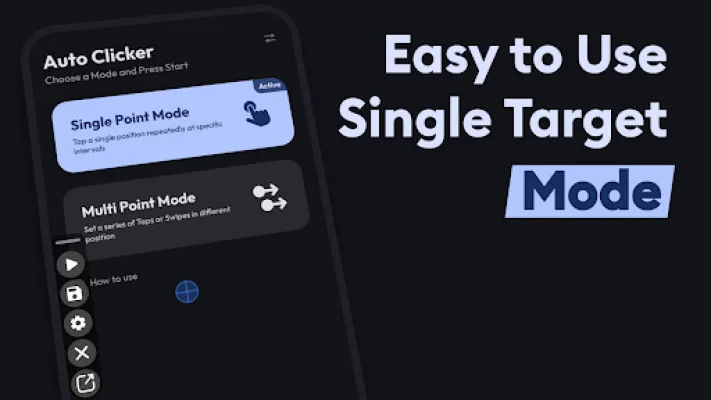
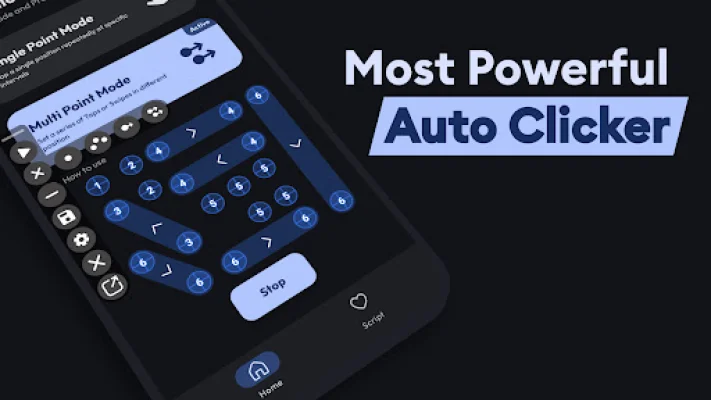
Flow Auto Clicker is an application that allows users to automate various touch and swipe actions on their Android devices. It is perfect for click games and automating tasks, as it can perform high speed rapid taps and long presses with ease. The app also features a floating control panel that allows users to start and stop automatic taps, as well as add touch and swipe points. One of the key features of Flow Auto Clicker is its ability to automate both single and multi-touch points simultaneously. This makes it ideal for games and applications that require multi-touch functionality. The app also allows users to execute single or multiple swipe actions seamlessly, making it perfect for apps that rely on swipe gestures for navigation or functionality. In addition to touch and swipe automation, Flow Auto Clicker also has a tap and hold feature. This allows users to perform long press actions effortlessly, making the app even more versatile. The app also offers the ability to import and export scripts, making it easy to share configurations with others or backup settings. One of the standout features of Flow Auto Clicker is that it does not require root access. This means that it can be used safely on any Android device without compromising the system's security. The app also follows Google's Material Design UI, providing a user-friendly and intuitive interface for setting up automation tasks. Users can also customize their automation tasks with adjustable settings for duration, interval, and repetition of clicks and swipes. And with the floating control panel, users can easily access and control the app without interrupting their workflow. It's important to note that Flow Auto Clicker uses the AccessibilityService API to implement its core features. This includes simulating clicks and swipes on the screen. However, the app does not collect any private data through this permission, ensuring the privacy and security of its users. Overall, Flow Auto Clicker is a powerful and user-friendly tool for automating touch and swipe actions on Android devices.
Rate the App














Popular Apps









