
Gboard - the Google Keyboard
by Google LLC (0 Reviews) July 26, 2024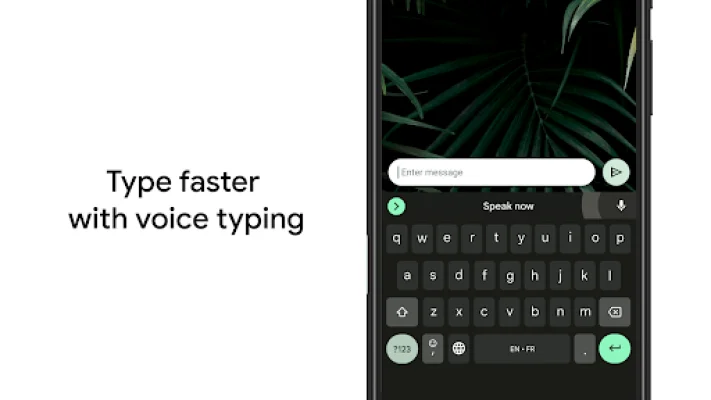
Latest Version
July 26, 2024
Google LLC
Tools
Android
0
Free
com.google.android.inputmethod.latin
Report a Problem
More About Gboard - the Google Keyboard
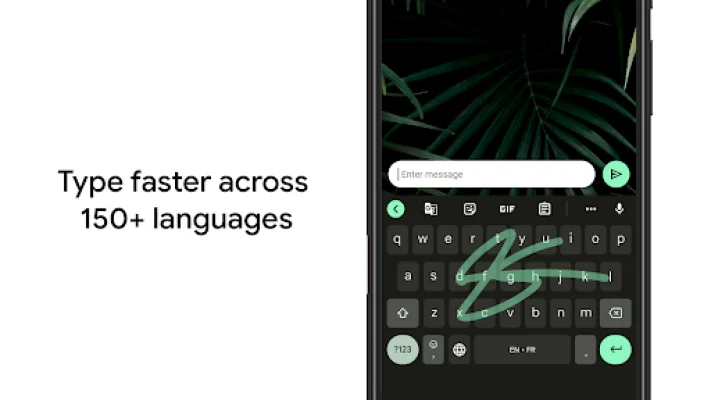
Glide Typing allows you to type faster by sliding your finger from one letter to the next. This feature is perfect for those who want to increase their typing speed and efficiency.
Voice typing is another convenient feature that allows you to dictate text on the go. This is especially useful for those who are on the move and need to quickly type out a message or document.
Handwriting is also supported on this application, allowing you to write in both cursive and printed letters. This feature is great for those who prefer to handwrite their messages or for those who have difficulty typing on a keyboard.
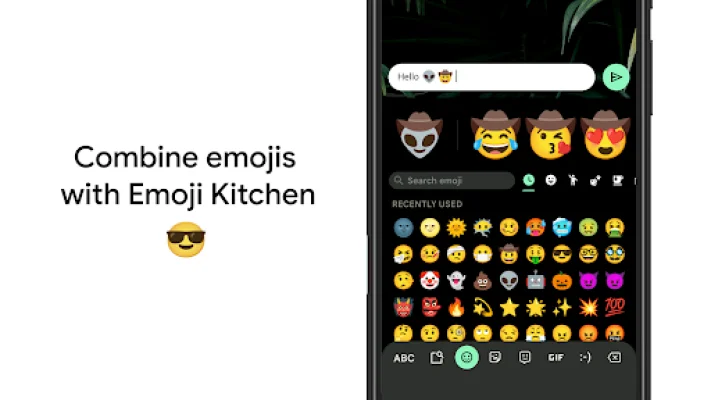
The Emoji Search feature makes it easier to find and use emojis by allowing you to search for them directly. This saves you time and effort from scrolling through a long list of emojis.
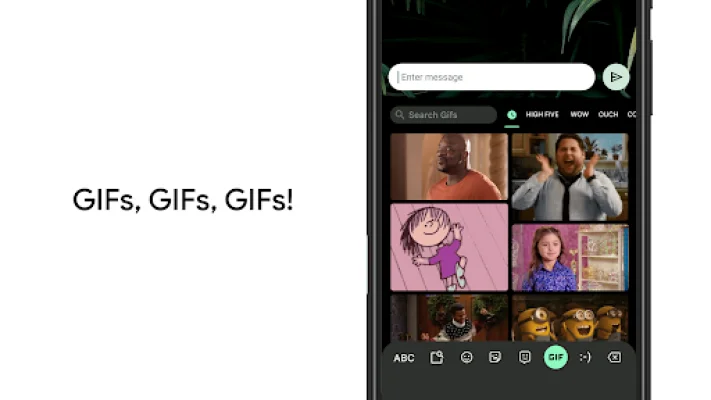
The GIFs feature allows you to search and share GIFs for the perfect reaction. This adds a fun and creative element to your messages and conversations.
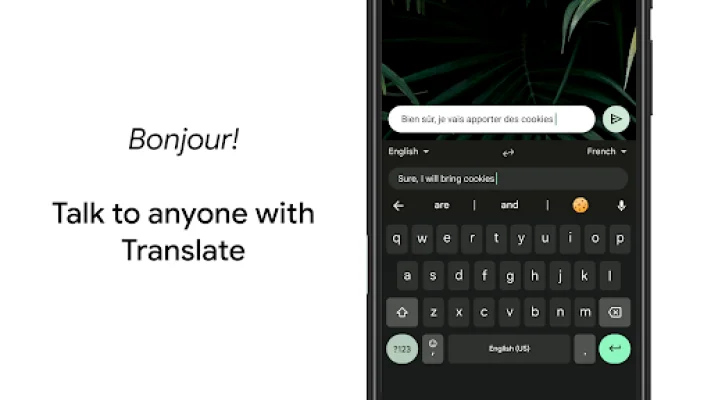
The application also supports multilingual typing, eliminating the need to switch between languages manually. Gboard will autocorrect and suggest words from any of your enabled languages. Additionally, Google Translate is integrated into the keyboard, allowing you to translate as you type.
Wear OS support is also available, allowing you to use the Google Keyboard on your watch. This includes features such as Glide Typing, Voice Typing, and Emoji Typing. The application supports a wide range of languages, making it accessible to users from different regions and backgrounds.
Some pro tips for using the Google Keyboard include gesture cursor control, gesture delete, and making the number row always available. You can also enable symbols hints and one-handed mode for larger screen phones. Additionally, you can choose your own theme for the keyboard, with or without key borders, to suit your personal style.
Rate the App















Popular Apps









