
Hisense Smart TV Screen Mirror
by Tech-Tools (0 Reviews) December 06, 2025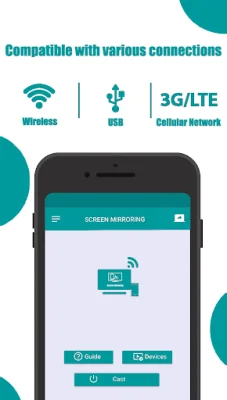
Latest Version
December 06, 2025
Tech-Tools
Tools
Android
0
Free
com.mirror.screen.hisensesmarttv
Report a Problem
More About Hisense Smart TV Screen Mirror
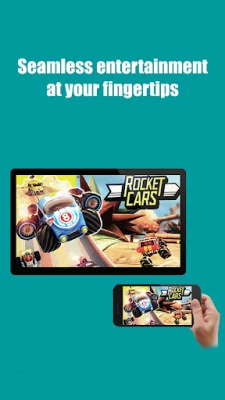
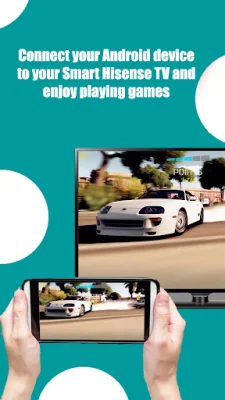
Experience the ultimate in wireless screen sharing with Hisense Smart TV Screen Mirroring! This app allows you to easily mirror your Android device's screen, including photos, videos, apps, and games, directly to your Hisense Smart TV. Say goodbye to cables and hassle, as all you need is a Wi-Fi connection to start casting in seconds. Whether you're watching movies, sharing memories, or playing mobile games, this app provides a smooth and effortless way to enjoy them on a bigger screen.
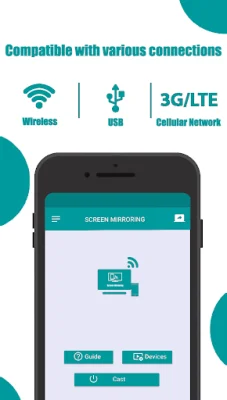
To start mirroring, simply connect your Android device and Hisense Smart TV to the same Wi-Fi network, enable screen mirroring or cast display on your phone, and select your Hisense TV from the list. With low latency and high-quality streaming, you can enjoy seamless casting with adjustable screen resolution, orientation, and aspect ratio. This app is perfect for various activities such as watching movies, playing games, giving presentations, and more.
Some key features of this app include real-time screen mirroring, fast and stable Wi-Fi connection, HD video and audio streaming with minimal delay, and a user-friendly interface for quick setup. It works with most Hisense Smart TVs and Android versions, making it accessible to a wide range of users. By choosing Hisense Smart TV Screen Mirroring, you can enhance your entertainment experience, instantly share family moments or presentations, and eliminate the need for additional devices or HDMI cables.
If you need any assistance, the support team is always available to help. This app is independently developed and not affiliated with or endorsed by Hisense Group or any other brand. So, experience the convenience and excitement of wireless screen sharing with Hisense Smart TV Screen Mirroring today!
Rate the App














Popular Apps









