

IKO
by PKO Bank Polski SA (0 Reviews) August 15, 2024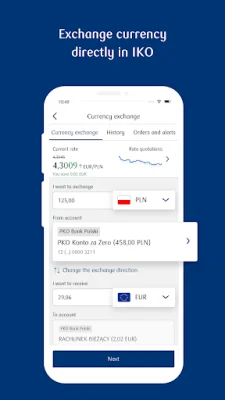
Latest Version
August 15, 2024
PKO Bank Polski SA
Finance
Android
0
Free
pl.pkobp.iko
Report a Problem
More About IKO
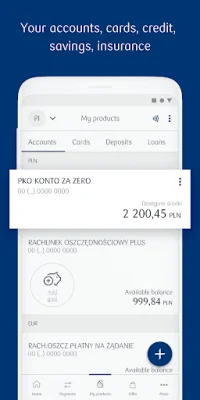
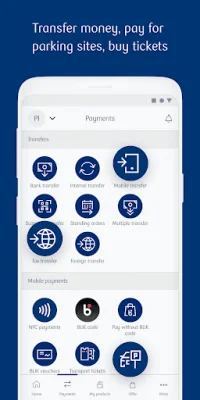
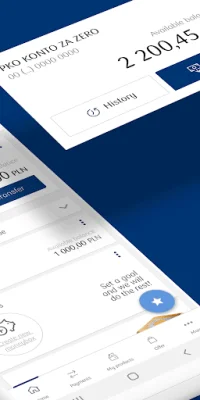
The IKO app is a mobile banking application that allows users to access and manage their bank accounts, cards, loans, term deposits, insurance, and make various payments. It offers a wide range of functionalities such as checking account balances, transaction history, and details of all bank accounts. Users can also transfer money to any domestic account number using Elixir or as an instant transfer, and even scan invoices or QR codes to make transfers. The app also allows for bank transfers by phone, to the Tax Office, and even foreign transfers. Standing orders and a series of transfers can also be set up for convenience.
For card management, users can view the history, details, and images of their debit and credit cards. They can also activate, assign a PIN, change limits, and even temporarily freeze or restrict their cards. The app also offers a multi-currency card service and the option to transfer from a credit card or repay utilized credit card limits. Users can also use their credit card as a payment source for BLIK online and in-store payments.
The IKO app also allows users to view their loan schedule and details, as well as apply for a loan. For term deposits, users can view details, open and terminate deposits. Insurance options such as travel and vehicle insurance can also be purchased through the app.
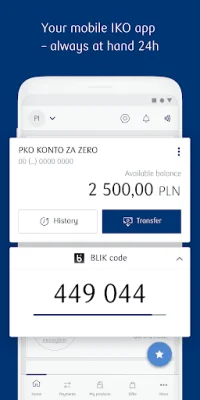
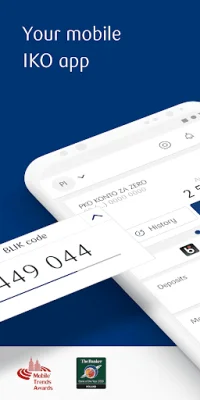
Payments can be made through various methods such as contactless payments by phone with NFC, in-store payments using the BLIK code or check, and online payments without the need to copy the code in trusted online stores and browsers. Users can also create and share BLIK checks for convenience.
The app also offers additional functionalities such as mobile authorization, public transport tickets, parking fees, and standing orders for charitable purposes. Users can also receive push notifications and use the app in multiple languages. Personalization options are also available, such as changing the main screen view and product names. The app also offers a shortcut button for favorite functions on the home screen and the ability to create and share QR codes with transfer details. Users can also view currency exchange rates and locate PKO Bank Polski branches, ATMs, and stores that support BLIK payments on a map.
To activate the IKO app, users can visit the iko.pkobp.pl/iko_en website. Some functionalities may not be available for Inteligo customers, and contactless payments require a phone with NFC and minimum Android 4.4. The app also offers fingerprint login for Android 6.0 and above, and the option to simultaneously activate IKO and iPKO using the first login password. Overall, the IKO app offers a convenient and secure way for users to manage their finances on-the-go.
Rate the App















Popular Apps









