

RBC Express Business Banking
1.9.12 by Royal Bank of Canada (0 Reviews) April 28, 2026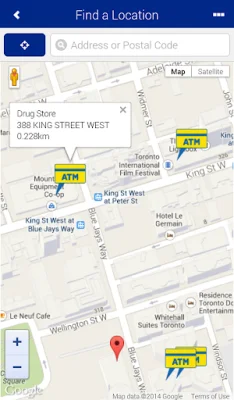
Latest Version
1.9.12
April 28, 2026
Royal Bank of Canada
Finance
Android
0
Free
com.rbc.mobile.uin0
Report a Problem
More About RBC Express Business Banking
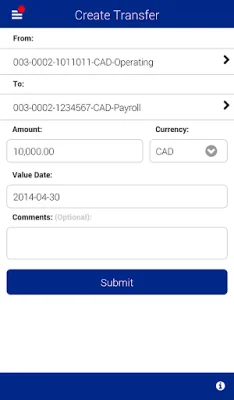
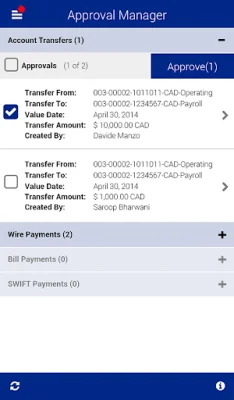
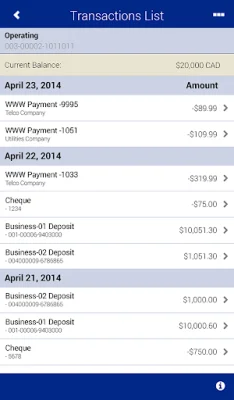
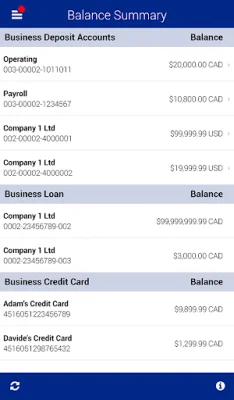
RBC Express Mobile is a convenient and secure way for businesses to manage their banking needs on-the-go. With this app, users can approve payments and transfers, view account balances and transactions, and transfer funds between accounts. Additionally, the app provides a feature to locate nearby RBC Royal Bank branches and ATMs. Security is a top priority for this app, as no financial data is stored on the device and it utilizes industry-standard encryption and user permissions and limits.
Getting started with RBC Express Mobile is quick and easy. Users must be an existing RBC Express online banking user and have permission from their service administrator to access the app. They also need a supported Android device and their existing RBC Express online banking credentials to sign in. By selecting Install, users consent to future updates and upgrades to the app, which may be automatically installed according to device or operating system settings. However, users can withdraw their consent by deleting the app from their device.
Before using RBC Express Mobile, users must review and agree to the terms and conditions found on the RBC website. If the user is a business client of Royal Bank of Canada, their existing agreements with the bank also apply. The app also collects some personal information for certain functions, such as finding nearby branches and ATMs. Users can find a full list of these functions on the RBC website and can request assistance with removing the app if needed.
The latest version of RBC Express Mobile is supported on the Samsung Galaxy S5 and Note 4, as well as Android OS version 4.4. By using the app to access RBC Express online banking, users confirm that their business has agreed to this use. RBC Express Mobile and RBC Express online banking are operated by Royal Bank of Canada, and all trademarks are the property of their respective owners. For more information about privacy and contact information for RBC Royal Bank, users can visit the RBC website.
Rate the App















Popular Apps









