

iTransor Transfer to iPhone
1.2.2 by Wheatfield Guard Technology Co., Ltd. (0 Reviews) July 23, 2024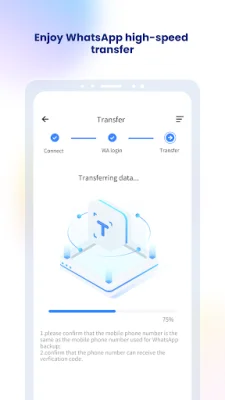
Latest Version
1.2.2
July 23, 2024
Wheatfield Guard Technology Co., Ltd.
Tools
Android
0
Free
com.imyfone.waitransorgo
Report a Problem
More About iTransor Transfer to iPhone
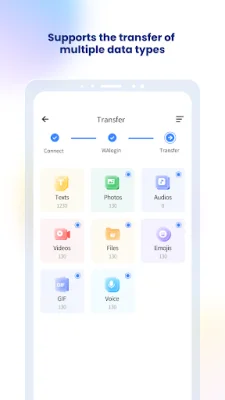
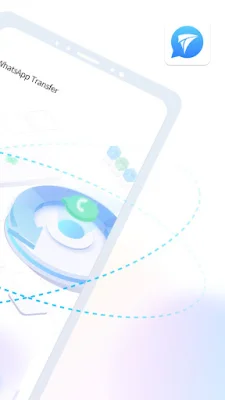
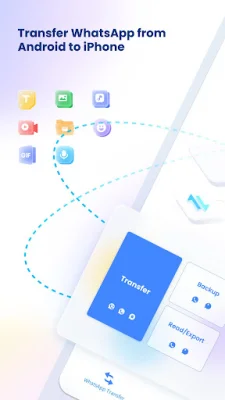
This application, iTransor Phone Transfer App, allows users to easily transfer their WhatsApp messages from an Android device to an iOS device without the need for a computer. It also supports the transfer of various types of data, including texts, photos, audios, videos, files, and emojis. Users can also have multiple copies of their WhatsApp chats in different accounts.
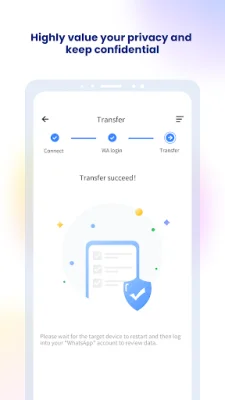
There are several key features that make iTransor a top choice for WhatsApp data transfer. Firstly, it offers fast transfer speeds compared to other similar apps. It also provides convenience as it only requires one USB-C/OTG cable for the transfer process. The interface is simple and user-friendly, with clear tutorials available for assistance. The app also prioritizes security and privacy, ensuring that user data is not retained or shared with anyone.
The process of transferring WhatsApp data from an Android device to an iOS device using iTransor is straightforward. Users simply need to install the app on their Android device, connect both devices with a USB OTG cable, and start the transfer process. The app supports the transfer of multiple types of data, making it a versatile and efficient tool.
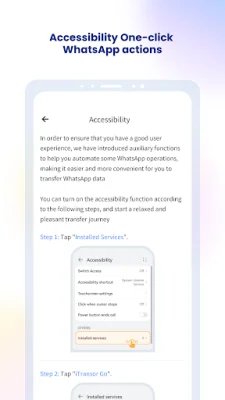
In order to make the transfer process even smoother, iTransor has an automated accessibility feature that helps with WhatsApp backup and turning off two-step verification. This feature follows the rules of WhatsApp and ensures the security of user data. The app is constantly improving and expanding its features to provide users with the best experience possible.
If users need help with the transfer process, there are various resources available, including a guide on the official website, a YouTube video guide, and additional help guidelines. Users can also contact the feedback email for any further assistance. The app also has a terms of service agreement to ensure transparency and trust with its users. With iTransor, users can easily transfer their WhatsApp data without the need for a computer, making it a convenient and reliable choice.
Rate the App













Popular Apps









