

KB라이프생명
7.3.7 by KB라이프생명 (0 Reviews) August 13, 2024
Latest Version
7.3.7
August 13, 2024
KB라이프생명
Finance
Android
0
Free
kr.co.kbliSmart
Report a Problem
More About KB라이프생명
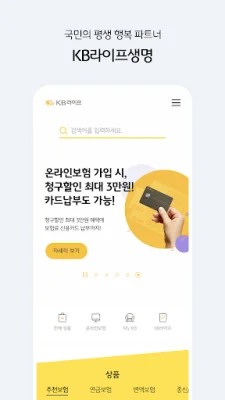
KB Life Insurance, the lifelong happiness partner of the people, introduces its new app! This app not only makes insurance tasks easier and faster, but also becomes more useful with its integration with KB Financial Group.
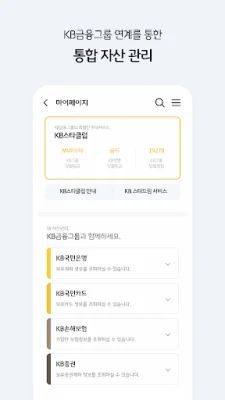
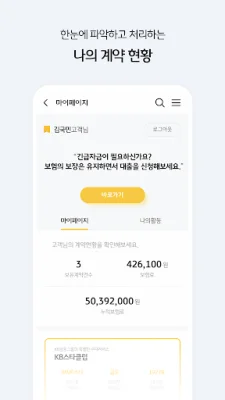
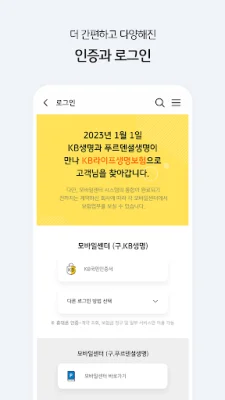
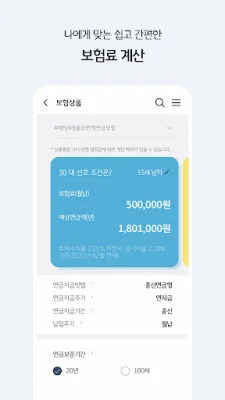
Some of the key features of this app include an easy and quick insurance premium calculation, simplified and diverse authentication and login processes, a clear overview and management of one's contracts, integrated asset management through KB Financial Group, and access to economic and lifestyle information to increase the possibility of achieving one's dreams.
However, please note that according to the guidelines of the financial supervisory authority, this app cannot be used on devices that have been modified (jailbroken or rooted) and may also be recognized as rooted due to the installation of certain apps. In such cases, it is recommended to contact the A/S center and perform a factory reset.
Furthermore, in accordance with the newly established Article 22-2 of the Act on Promotion of Information and Communications Network Utilization and Information Protection, and the amended Enforcement Decree, we would like to inform you of the necessary access permissions for providing KB Life Insurance services.
These include essential access permissions such as phone access for device identification and connection to the customer center, and optional access permissions such as camera access for document attachment and ID verification, access to photos and videos for document attachment, and location access for finding one's location on the map.
Please note that even if you do not agree to the optional access permissions, you can still use the service, but there may be limitations on certain functions. Additionally, we collect and use your phone number for the initial setup of the Digital ARS feature and for authentication during login.
For users with Android OS 6.0 or higher, you can manage app permissions through the device settings. However, for users with older versions, it may be difficult to agree to optional access permissions. In such cases, it is recommended to check if your device can be upgraded to a newer OS version and proceed with the upgrade. Please note that even after upgrading, the access permissions you have already agreed to will not change, so you will need to delete and reinstall the app to change them.
Thank you for choosing KB Life Insurance. We strive to provide a convenient and secure service for our customers.
Rate the App















Popular Apps









