

KB Klíč
3.8.1 by Komerční banka, a.s. (0 Reviews) October 15, 2024
Latest Version
3.8.1
October 15, 2024
Komerční banka, a.s.
Finance
Android
0
Free
cz.kb.paatproduction
Report a Problem
More About KB Klíč
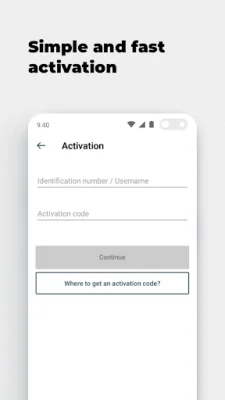
In order to activate KB Klíč, you will need a KB ID and an activation code. Your KB ID can be found in the Electronic Signature Agreement or you can use your username/email. The activation code will be provided to you at a KB branch or when you log into mujprofil.kb.cz through a method other than KB Klíč.
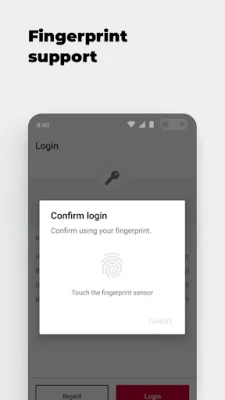
The activation guide for KB Klíč can be found at https://www.kb.cz/en/new-login-methods#kbklic. During the activation process, you will also have the opportunity to set a PIN and, if your phone supports it, set up fingerprint authentication. Your fingerprints will be securely stored on your phone and will not be visible to Komerční banka.
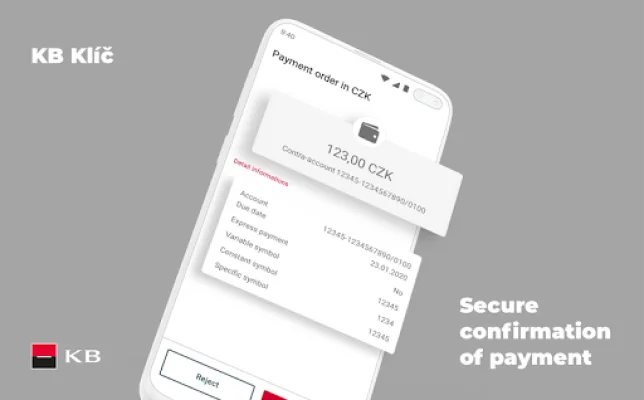
If your phone is connected to the internet, the activation request will be automatically received on your phone. Simply check and confirm the request. If you are offline, you can select the option "The device is not connected to the internet" on your computer. Then, using the KB Klíč app, scan the pictorial code displayed on your computer screen and confirm it with your PIN or fingerprint. Finally, enter the generated code on your computer to complete the activation process.
It is important to note that if you enter an incorrect PIN five times, access to KB Klíč will be blocked. In this case, you will need to activate the app using an activation code, which can be obtained at an ATM, KB branch, or by logging into mujprofil.kb.cz through a method other than KB Klíč.
Lastly, it is worth mentioning that KB Klíč will not work if you have reinstalled software on your phone and your platform (root) is not protected. This is all done in the interest of security. So, be sure to follow the activation guide and keep your information safe and secure.
Rate the App















Popular Apps









