
Kit Analog Clock-7
5.2 by StyleSeven.com (0 Reviews) August 14, 2024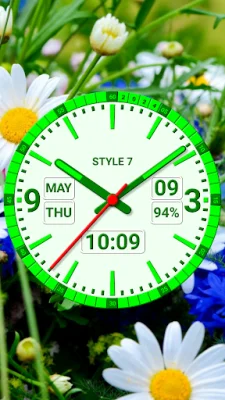


Latest Version
5.2
August 14, 2024
StyleSeven.com
Tools
Android
0
Free
style_7.kitanalogclocklivewallpaper_7
Report a Problem
More About Kit Analog Clock-7
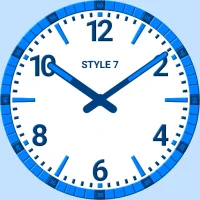
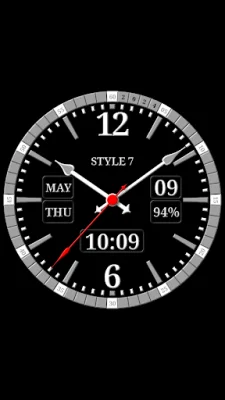
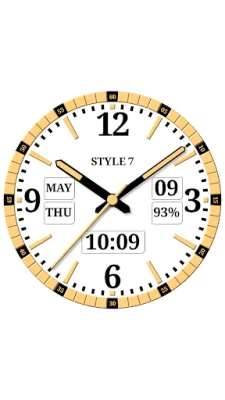
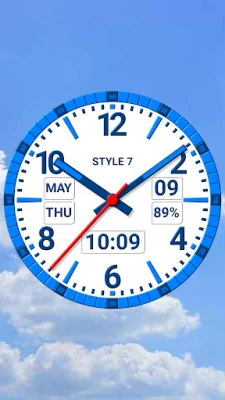
This application is a customizable clock that can be used as a live wallpaper, app widget, or topmost clock that floats above all other windows on your device. It also has a fullscreen mode for viewing the current time, date, day of the week, month, and battery charge. The clock can even announce the time through voice commands and has various appearance settings for customization. There are seven different dial designs, seven types of hands with options for markers and tails, and seven color themes to choose from. You can also create your own unique style by selecting your own colors and fonts. The dial can also be customized to display different information, such as hiding or moving the date, month, day of the week, or battery charge. You can even add your own text, like your name or the current year, using a special serif font. The background of the clock can be set to any solid color or image from your device. You also have the option to choose a color for the second hand or hide it altogether. The app also has different modes, such as Live Wallpaper, app widget, and topmost clock, each with their own unique features and settings. For the Live Wallpaper mode, you can choose the size and position of the analog clock on your Home screen. The app widget can also be moved and resized on the Home screen, with the option to show the second hand for devices running Android 12 or higher. You can even install multiple widgets and open the app by tapping on the widget. The topmost clock can be resized and repositioned on the screen using the "drag and drop" method, and can be opened by long pressing on it. There is also an option to add an additional icon on the desktop for quick access to the app in fullscreen mode, which keeps the screen on. You can close the fullscreen mode by swiping the screen. However, there are some technical restrictions for the app widget, such as not showing the battery charge, shadows, or 3D effects for the hands. The double tap and periodic voice commands also do not work on the app widget. For devices running Android 11 or below, there are additional restrictions, such as only having access to the seven standard color themes and not being able to show the second hand. Overall, this app offers a customizable and convenient way to view the time and date on your device.
Rate the App















Popular Apps









