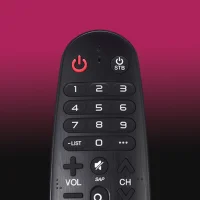
LG TV Remote
1.7.4 by New World Apps (0 Reviews) August 08, 2024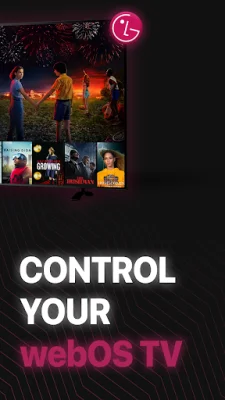
Latest Version
1.7.4
August 08, 2024
New World Apps
Tools
Android
0
Free
com.lgtvremote
Report a Problem
More About LG TV Remote
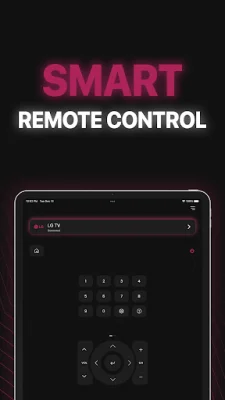
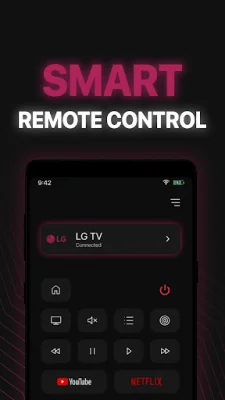
Our smart remote is a convenient and innovative way to control your LG TV. With its unique design and advanced features, this remote app is perfect for anyone looking to enhance their TV viewing experience. Whether you're lounging on the couch or across the room, this remote makes it easy to access your favorite shows and movies.
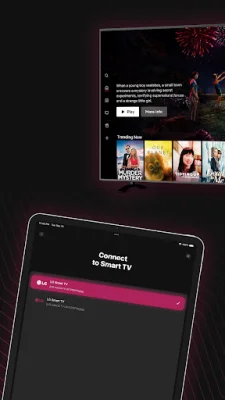
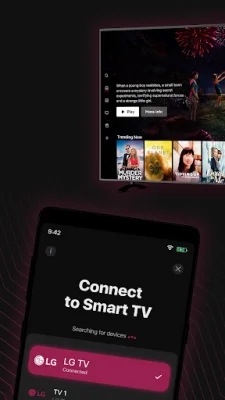
In order to use this remote, your LG Smart TV and mobile device must be connected to the same Wi-Fi network. Once your TV is detected, you will need to enter a PIN shown on the TV to start using the LG Smart Remote.
Some of the key features of this remote include a full-functional control with simple and easy operation, power on/off with the power button, a keyboard for simplified text input and search, and quick access to your favorite channels and apps on your smart TV. You can also mirror your phone screen in high definition, cast local photos and videos, and even cast web videos to your LG TV. This remote is compatible with LG and LGPlus TVs and has a layout similar to a physical LG remote.
All LG smart TVs with WebOS are supported by this remote app. To connect the app to your TV, make sure both devices are connected to the same Wi-Fi network. Then, simply select your TV from the list of available devices on the app interface. Once connected, you can easily control your TV from your mobile device without needing a physical remote.
If you experience any issues with the app, make sure your TV and device are connected to the same Wi-Fi network. If problems persist, try reinstalling the app and rebooting your TV. It's important to note that this app is not an official LG application and is not affiliated with LG Electronics in any way.
Rate the App















Popular Apps









