LG Universal TV Remote
1.0.14 by Naba (0 Reviews) August 08, 2024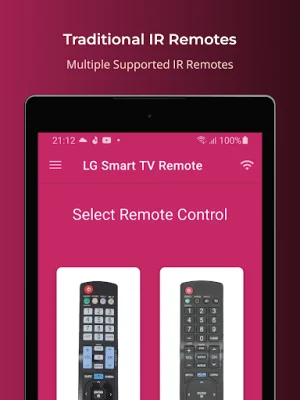
Latest Version
1.0.14
August 08, 2024
Naba
Tools
Android
0
Free
lg.universal.tv.remote
Report a Problem
More About LG Universal TV Remote
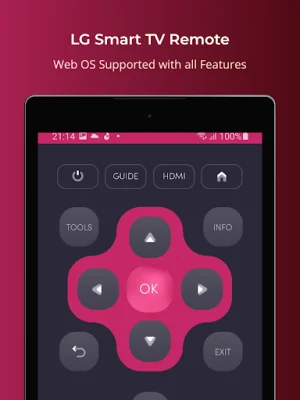
Convert your mobile device into a LG Smart TV remote with this convenient app. Say goodbye to constantly replacing drained batteries and dealing with broken plastic remotes. This app supports all LG Smart TVs with Web OS and traditional IR devices, making it a versatile option for any LG TV owner.
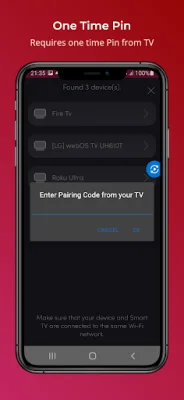
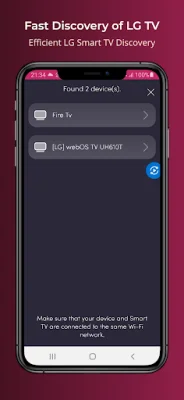
In order to use this app, your LG Smart TV and mobile device must be connected to the same Wi-Fi network. Once your TV is detected, you will need to enter a PIN displayed on the TV to start using the remote. This ensures a secure connection between your devices.
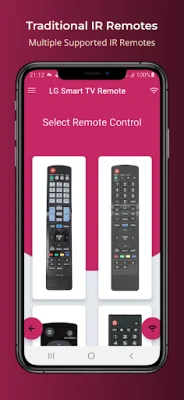
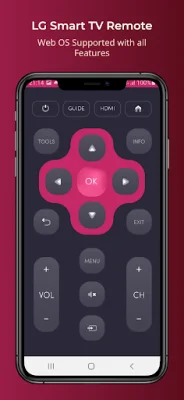
For traditional LG TVs, your phone must have an IR blaster in order to use the remote control function. This app offers a variety of functions, including turning the TV on and off, controlling volume and channels, muting, navigating, and controlling multimedia. It also has a touch pad feature for easy navigation.
In addition to LG Smart TVs, this app also supports Android Chromecast OS. This makes it a great option for those with multiple devices or who may switch between different types of TVs.
It's important to note that this app is not an official LG application and is not affiliated with LG Electronics in any way. However, it offers a more convenient and user-friendly way to control your LG TV. If you encounter any issues with the app, you can reach out to the developers at [email protected] for assistance. They are constantly working to improve the product and provide the best experience for users.
Rate the App















Popular Apps









