
Link2SD
4.3.4 by Bülent Akpınar (0 Reviews) May 18, 2026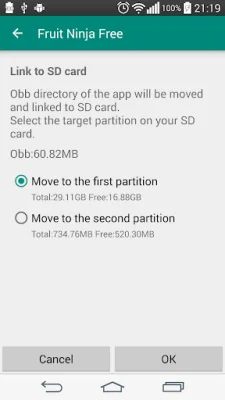
Latest Version
4.3.4
May 18, 2026
Bülent Akpınar
Tools
Android
0
Free
com.buak.Link2SD
Report a Problem
More About Link2SD
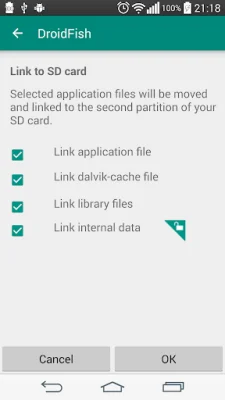
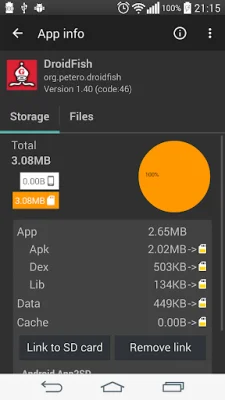
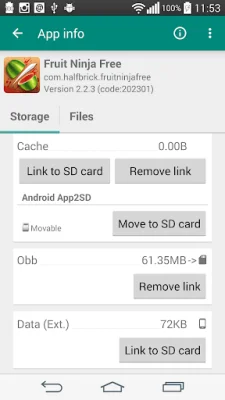
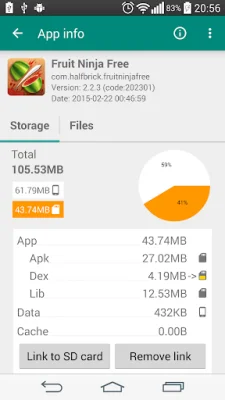
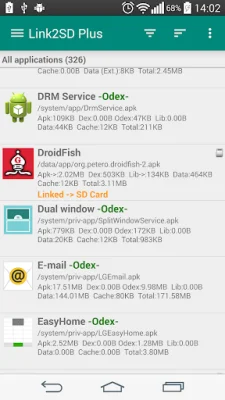
Link2SD is an application that allows you to move certain files and data from your phone's internal storage to your SD card. This can help free up space on your device and make it run more efficiently. The app has several features, including the ability to link apk, dex, and lib files to your SD card, as well as internal data and external data and obb folders for apps and games. It also has the option to link dex files for system apps, and includes an auto clear cache service. One of the main features of Link2SD is the ability to move user apps to your SD card, even if the app does not support it. This is known as "force move" and can be done in batches. The app also shows which apps support moving to SD with native app2sd. You can also set the default install location for apps, and choose to automatically link newly installed apps. Link2SD also has the ability to uninstall system applications, freeze and unfreeze system and user apps, and convert system apps into user apps and vice versa. It can also integrate "updated" system apps into the system (ROM). The app also includes a cache cleaner, with the option to clear all apps' cache at once, and a reboot manager with various options. In order to use Link2SD, you will need root permission and a second partition on your SD card. The app requires a non-FAT file system (such as ext2, ext3, ext4, or f2fs) on the second partition in order to link app's private data files. It is important to note that Link2SD does not create the second partition, so you will need to create it yourself. Link2SD also has a Plus version available for purchase, which removes ads and offers additional features. However, the app is free to use with ads. It supports over 40 languages and allows you to share the Play Store link or APK file of apps. Overall, Link2SD is a useful tool for managing storage space on your device and optimizing its performance. However, it is important to use it at your own risk as there is no warranty provided.
Rate the App











Popular Apps









