Miracast for Android to tv : W
by cornero apps (0 Reviews) March 25, 2026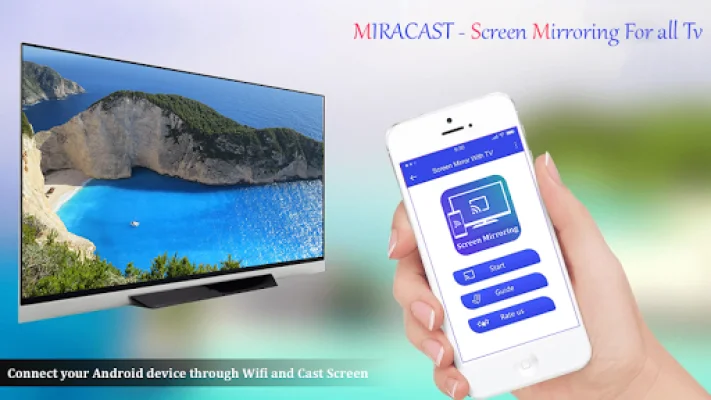
Latest Version
March 25, 2026
cornero apps
Tools
Android
0
Free
cornero.screenmirroring
Report a Problem
More About Miracast for Android to tv : W
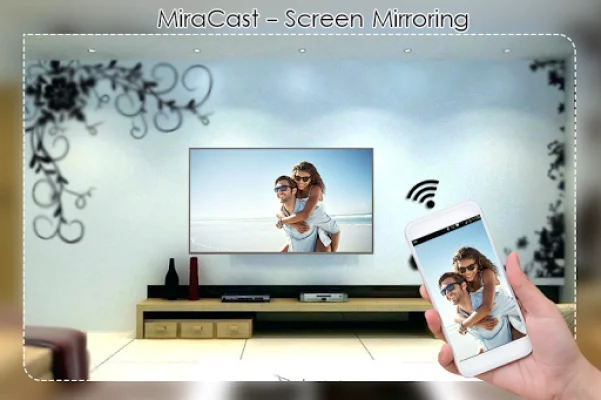
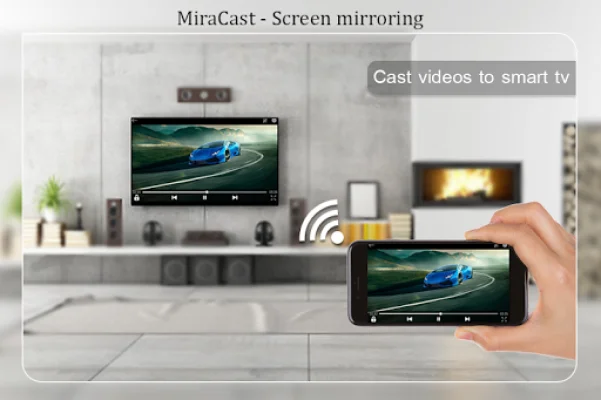
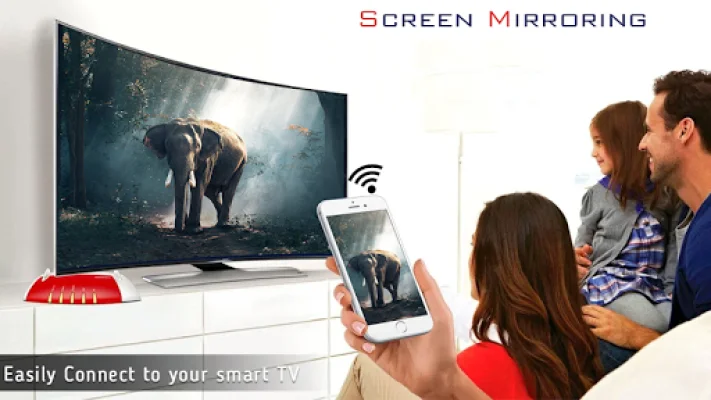
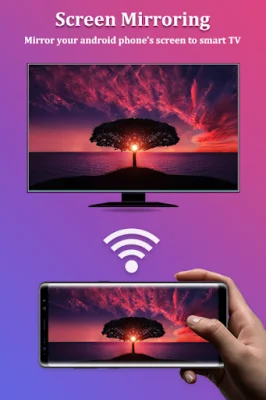
Miracast for Android to TV is an app that allows you to connect your Android device to your TV screen and mirror its display. This means that whatever is on your phone screen will also be displayed on your TV screen, just like using an HDMI or MHL cable. The app has been tested and found to work on most Android mobile devices.
If you're tired of straining your eyes to look at your small phone screen, this app offers a solution by providing a bigger screen experience through your TV. This can be especially useful for activities like showing off photos, playing games, or giving presentations. With Miracast for Android to TV, you can easily duplicate your phone's screen onto your TV screen.
The app allows you to cast various types of media, such as videos, music, and photos, from your smartphone to any compatible device, including smartphones, smart TVs, laptops, and tablets. This means you can enjoy your media on a much larger screen, wherever you are.
To connect your Android device to your TV, simply follow these steps: check if your TV supports WIFI Display or Miracast, make sure both your TV and device are connected to the same WIFI network, ensure your device has the necessary hardware for Miracast, enable Miracast Display on your TV, start the Wireless Display option on your phone, and select your TV from the list of available devices.
The app also offers various features, such as one-click connection to your TV screen, support for most Android devices, integration with Tasker, the ability to change resolution and density, and the option to lock the screen orientation to landscape. It also has a new user interface for a better overall experience and the ability to turn on your TV from standby mode.
Before using the app, it's important to note that it requires both your Android device and target device to be connected to the same WIFI network or through your phone's hotspot. This ensures proper functionality and a seamless experience. So, if you're looking for a way to easily share your phone's screen on a bigger display, Miracast for Android to TV is the perfect solution.
Rate the App







Popular Apps









