

Mobile Cloner
15.0.9.012 by Transsion Holdings (0 Reviews) March 16, 2026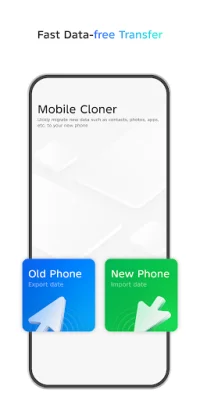
Latest Version
15.0.9.012
March 16, 2026
Transsion Holdings
Tools
Android
0
Free
com.transsion.mobilecloner
Report a Problem
More About Mobile Cloner
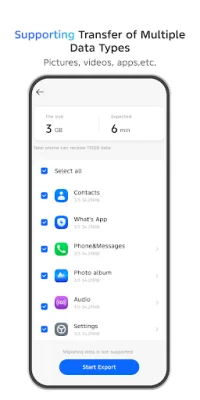
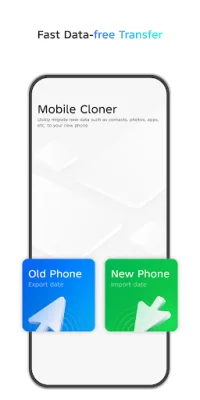
Deep migration is an application that allows users to seamlessly transfer data from one device to another. It not only supports the migration of regular data such as contacts, call logs, text messages, pictures, audio, video, documents, and applications, but also higher-authority data like system settings, system applications, and third-party application data. This makes it a convenient and efficient tool for users who want to switch to a new device without losing any important data.
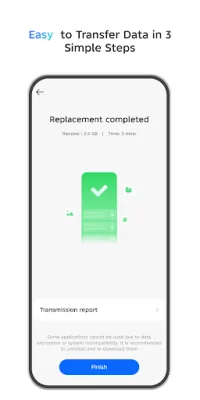
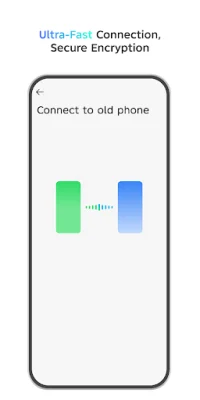
The operation of Deep migration is simple and can be completed in just three steps. Users only need to connect their two devices, select the data they want to transfer, and start the migration process. The best part is that this can be done without using any mobile data, making it a cost-effective solution for users.
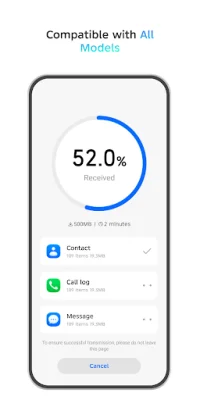
Deep migration is designed to adapt to various devices, catering to the needs of different users. It supports both Android and iOS devices, including popular brands like TECNO, Infinix, itel, vivo, OPPO, Xiaomi, Huawei, and iPhone. This wide range of compatibility makes it a versatile tool for users who may have different types of devices.
Data security is a top priority for Deep migration. The application uses end-to-end encryption to ensure the security of data transmission. This means that all data is protected during the migration process, giving users peace of mind that their important information will not be compromised. With Deep migration, users can avoid the risk of losing important data during the transfer process.
It is important to note that due to device compatibility and other factors, Deep migration may not be available for use on some devices. Additionally, when migrating data across different brands, there may be some limitations in the data that can be transferred due to differences in systems. However, the developers are constantly working to improve the application and add more features, so users can expect even more benefits from Deep migration in the future. Stay tuned for updates and give Deep migration a try for a hassle-free data transfer experience.
Rate the App










Popular Apps









