
Modern Analog Clock-7
5.7 by Style-7 (0 Reviews) October 28, 2025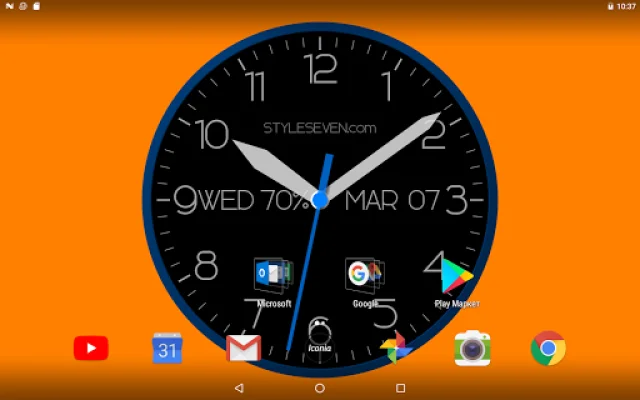
Latest Version
5.7
October 28, 2025
Style-7
Tools
Android
0
Free
com.style7.modernclockforandroid_7
Report a Problem
More About Modern Analog Clock-7
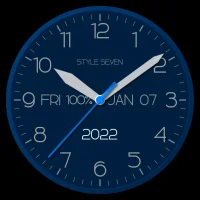
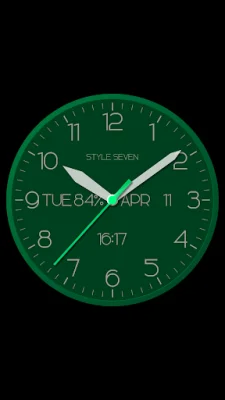
The analog clock application allows users to have a clock displayed on their device's screen at all times. This clock can be set as the topmost or overlay clock, meaning it will always be visible even when other windows or applications are open. Users can also change the position and size of the clock by using the drag and drop method, making it customizable to their preferences.
In addition to being a topmost clock, this application also offers the option to use the analog clock as a screensaver while the device is charging. This can be a useful feature for those who want to have a clock displayed on their screen even when their device is not in use.
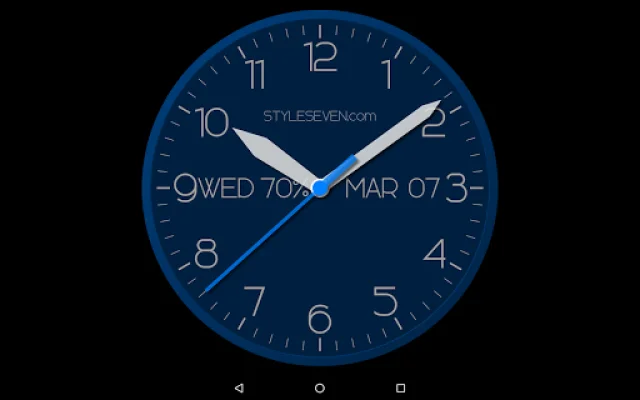
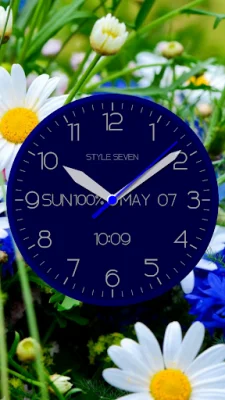
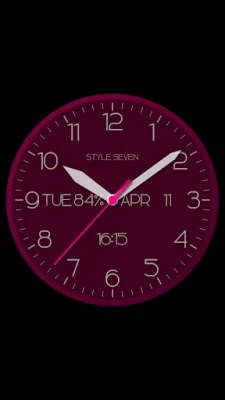
The application also includes additional features such as the ability to change the position of the date, month, day of the week, battery charge, or hide these slots altogether. Users can also choose to set a background color for the clock, as well as choose between a color or black dial. For further customization, users can even set a background image for the clock.
One unique feature of this application is the ability to have the time spoken aloud by double tapping the screen or at regular intervals. This can be helpful for those who may have difficulty reading the clock or for those who prefer to have the time announced to them.
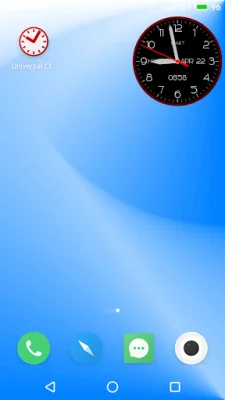
For those who want to use the analog clock as a live wallpaper, there are additional options available such as setting the size and alignment of the clock on the home screen. And for those who prefer to have the clock as a widget, there are options to show or hide the second hand, choose an action for tapping the widget (such as opening the app or setting an alarm), and resize the widget using standard methods. With these additional options, users can truly make the analog clock their own and tailor it to their specific needs and preferences.
Rate the App












Popular Apps









