

Private DNS Quick Setting
1.29 by Senxian Z (0 Reviews) April 23, 2026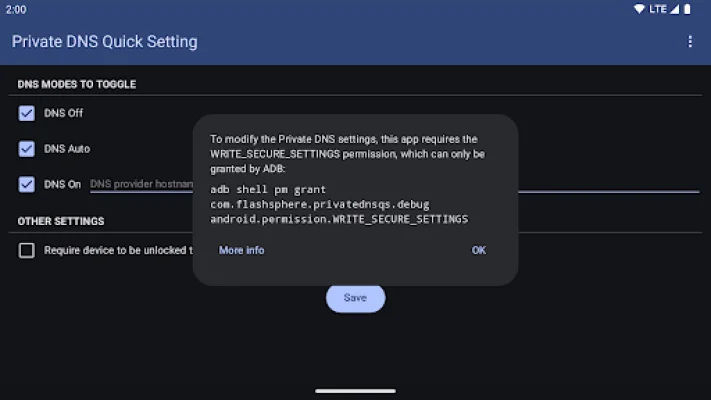
Latest Version
1.29
April 23, 2026
Senxian Z
Tools
Android
0
Free
com.flashsphere.privatednsqs
Report a Problem
More About Private DNS Quick Setting
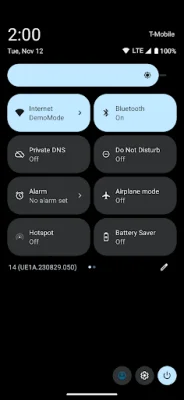
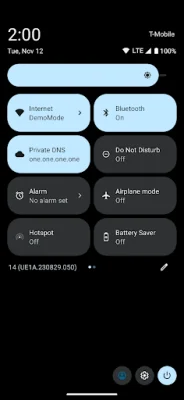
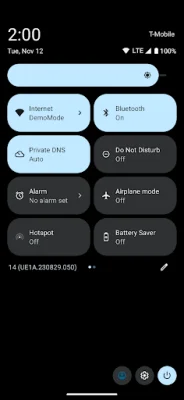
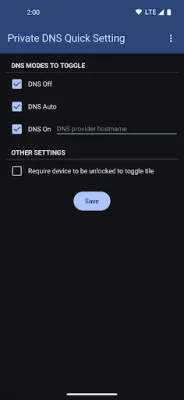
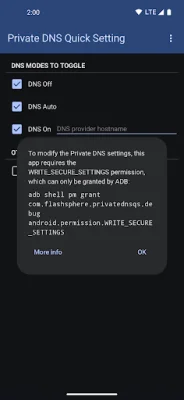
This application is designed to change the Private DNS setting on your device. However, in order to do so, it requires a specific permission called 'WRITE_SECURE_SETTINGS'. This permission can only be granted in two ways: through the use of a third-party app called Shizuku or through an ADB shell.
Shizuku is a separate app that can be downloaded from https://shizuku.rikka.app/download/. Once downloaded, you can start Shizuku by following the steps outlined in https://shizuku.rikka.app/guide/setup/#start-shizuku. Once Shizuku is running, you can open this app and the necessary permission should be granted automatically.
Alternatively, you can use ADB (Android Debug Bridge) to grant the permission. This can be done by using the command: adb shell pm grant com.flashsphere.privatednsqs android.permission.WRITE_SECURE_SETTINGS. For more detailed instructions on how to use ADB to grant this permission, you can visit https://private-dns-qs.web.app/help.
If you are looking to switch between different DNS settings, it may be more convenient to use another app such as https://github.com/karasevm/PrivateDNSAndroid. This app offers similar functionality and may be a better fit for your needs. It is recommended to try and be original and SEO-oriented when choosing an app for this purpose.
Rate the App














Popular Apps









