Screen Protector: Stop Spyware
1.3.1 by Mayle Solutions (0 Reviews) April 23, 2026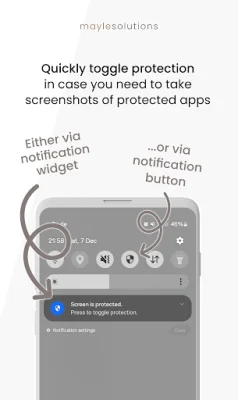
Latest Version
1.3.1
April 23, 2026
Mayle Solutions
Tools
Android
0
Free
de.mayle.screenprotection
Report a Problem
More About Screen Protector: Stop Spyware
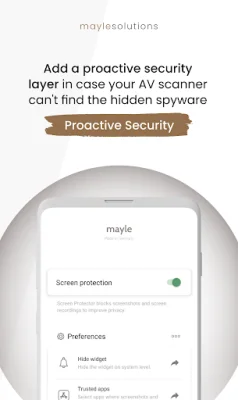
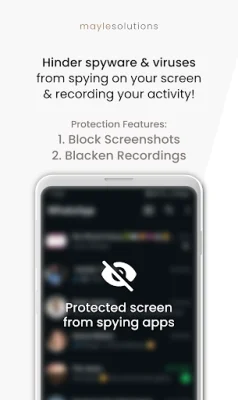
This application was created to provide an extra layer of protection against spyware viruses and hackers. It aims to prevent these malicious entities from recording your activity and stealing sensitive data through screen-capture spyware viruses. These viruses, developed by hackers, can monitor and scan your activity while using your mobile device, allowing them to secretly steal information such as passwords, private conversations, and other confidential data.
The app works by hindering the hidden spyware viruses from monitoring your activity and stealing your data. It also ensures user privacy, security, and protection by not requiring any internet permissions. This means that the app does not have access to your internet activity, providing the best possible privacy and security for the user.
Screen-capture spyware is a type of malware and spyware virus that has a capture module, allowing it to record what is displayed on your mobile device. This feature can be used by hackers to access and steal sensitive information without the user's knowledge. The app serves as an additional security layer to prevent this type of data theft. However, for full protection against spyware and viruses, it is recommended to use antivirus apps as well.
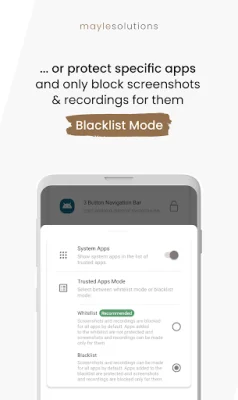
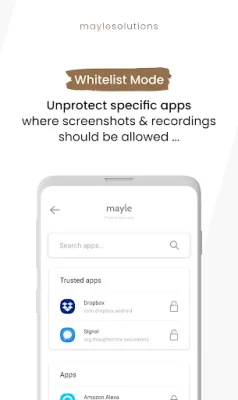
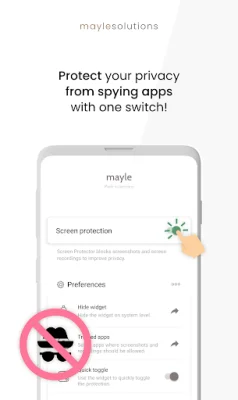
The app also offers premium features that can be unlocked by donating a small amount. These features include the ability to enable or disable hacker protection for specific apps, toggle between a whitelist and blacklist mode, and use a widget for quick access. The app also provides immediate hacker protection upon starting your mobile device.
The FAQ section of the app addresses common questions and concerns, such as why screenshots and recordings may still work on the lock screen or notifications, and how to ensure that the hacker protection is working. It also explains that Google Play and Google Services cannot be blocked due to policies, and some apps may have issues with the protective layer, in which case it is recommended to disable protection for those apps or add them to the whitelist.
It is important to note that this app only works locally on your device to protect your data from screen-capture malware. It does not block screenshots or recordings made on other devices, such as during video calls. Overall, this app provides an essential layer of protection against spyware, viruses, and hackers, ensuring user privacy and security.
Rate the App










Popular Apps









