Moto File Manager
by Motorola Mobility LLC. (0 Reviews) July 25, 2024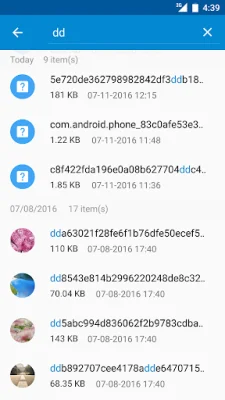
Latest Version
July 25, 2024
Motorola Mobility LLC.
Tools
Android
0
Free
com.lenovo.FileBrowser2
Report a Problem
More About Moto File Manager
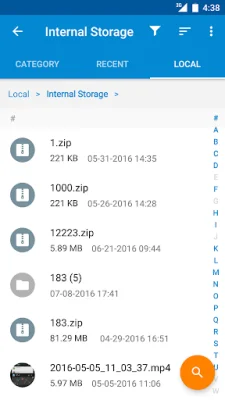
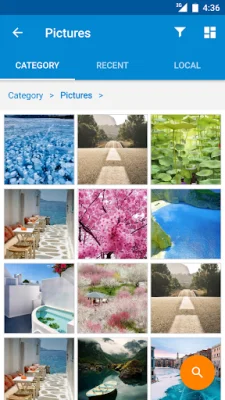
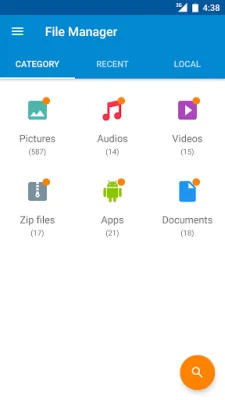
Motorola File Manager is a useful application that helps you manage all of your files on your device, whether they are stored in the main storage or on a microSD card. With this app, you can easily browse through your files by category, such as pictures, music, videos, archives, documents, and recent files. This makes it quick and simple to access the files you need in each category.
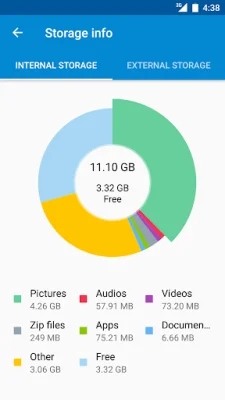
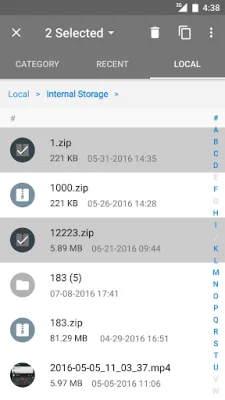
In addition to browsing, Motorola File Manager also allows you to perform various file operations, including copying, moving, renaming, deleting, compressing, and decompressing ZIP files. You can even create encrypted ZIP files and share files with others. This app also provides storage information, so you can easily see the location of each category file and the usage of your SD card.
One of the standout features of Motorola File Manager is the one-click transfer option. With just one click, you can transfer all of your pictures, music, and video files from your device's internal storage to an external SD card. These transferred files will be stored in the FileBrowser folder on the external SD card, making it easy to organize and access them.
Another useful feature of this app is the global search function. You can search for files in all folders and files on your device, making it easier to find what you're looking for. Additionally, Motorola File Manager offers remote management, allowing you to conveniently browse files on your device from your computer. This can be especially helpful if you need to access files on your device while you're away from it.
In summary, Motorola File Manager is a comprehensive and user-friendly app that helps you manage and organize all of your files on your device. With its various features, including file browsing by category, file operations, storage information, one-click transfer, global search, and remote management, this app is a must-have for anyone looking to efficiently manage their files on their Motorola device.
Rate the App














Popular Apps









