

MTools - Mifare ACR122 PN532
20240816_R1 by MTools Tec (0 Reviews) August 20, 2024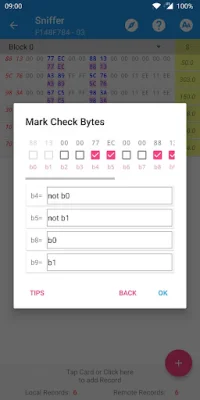
Latest Version
20240816_R1
August 20, 2024
MTools Tec
Tools
Android
0
Free
tk.toolkeys.mtools
Report a Problem
More About MTools - Mifare ACR122 PN532
M Tools is an application that allows users to compare and explore data rules. Before using the application, it is important to have a good understanding of the keys and data rules. This will ensure that the user is able to fully utilize the available functions.
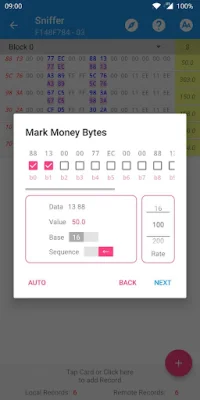
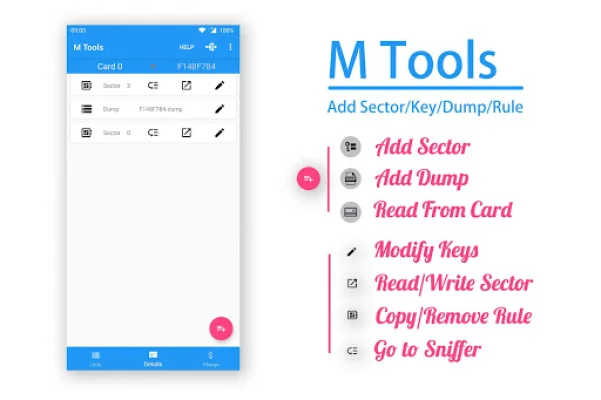
One of the main features of M Tools is the ability to read and write to a sector directly. This means that users can access and modify data directly, without having to go through any additional steps. Additionally, the application has an auto-save feature that saves any changes made to keys automatically. This is a convenient feature that saves time and effort for the user.
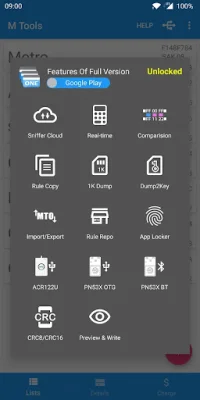
Another useful function of M Tools is the ability to compare data and highlight any differences. This is particularly helpful when working with large amounts of data, as it allows the user to easily identify any discrepancies. The application also has an emulation feature that allows users to perform calculations on the data. This can be useful for testing and troubleshooting purposes.
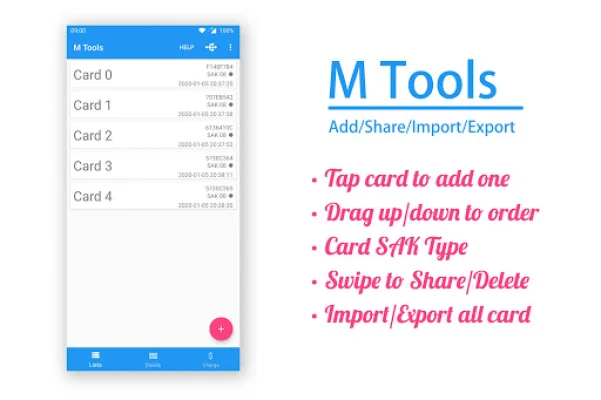
M Tools also supports multi-card and multi-rules, meaning that users can work with multiple cards and data rules simultaneously. This is a useful feature for those who need to manage and analyze a large amount of data. Additionally, the application has support for Crc8 and Crc16 calculations, which can be helpful for verifying data integrity.
In summary, M Tools is a versatile application that allows users to compare and explore data rules. With its various functions such as direct sector access, auto-saving, data comparison, emulation, and support for multiple cards and rules, it is a valuable tool for managing and analyzing data. Its support for Crc8 and Crc16 calculations also adds an extra layer of data integrity verification.
Rate the App















Popular Apps









