
myWear File Explorer
by Marcelo R. dos Santos (0 Reviews) October 28, 2025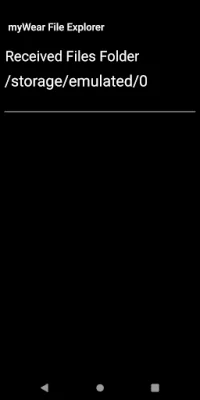
Latest Version
October 28, 2025
Marcelo R. dos Santos
Tools
Android
0
Free
com.mrs.wear_file_explorer
Report a Problem
More About myWear File Explorer
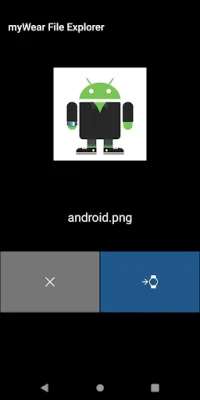
This app is specifically designed for devices with Wear OS, meaning it will only work on smartwatches that have this operating system. It is important to note that the new Wear OS 4 update has restricted access to system files and folders, so this app can only access image, audio, and video files. However, it does allow users to manage and create files and folders, as well as send and receive files within the designated folder on the watch.
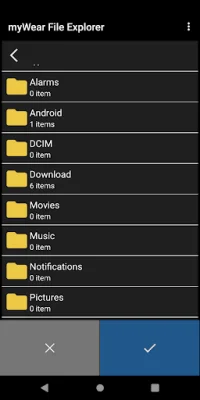
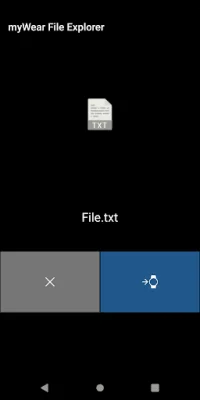
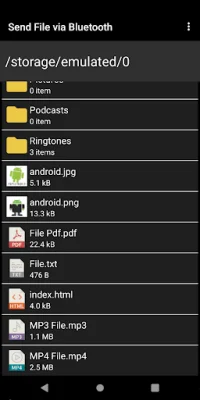
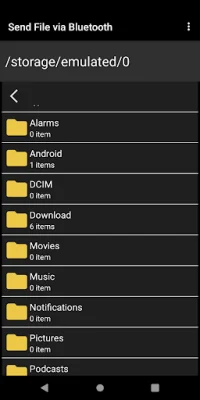
It is important to understand that this app is not a ringtone manager and is not responsible for setting ringtones on your device. Its main purpose is to manage files and folders, allowing users to copy, delete, move, and rename them directly on their smartwatch. It also offers the convenience of transferring files from a smartphone or tablet to the smartwatch and vice versa.
Due to security changes in the latest versions of Wear OS, users will need to manually enable permission for the app to function properly. This can be done by going to Settings > Apps & notifications > App info > myWear File Explorer > Permissions > Files and media > Allow all the time on the watch.
It is worth noting that the app's file transfer is limited to files with a maximum size of approximately 65 MB. However, it offers a variety of useful functionalities such as creating, viewing, and editing text files, opening PDF files as text or images, and displaying thumbnails of images. Users can also open ePub files, although it is a simple reader without links. The app also allows for multiple selection of files and folders, making it easier to manage and organize them on the smartwatch.
Rate the App











Popular Apps









