

NetX Network Tools
10.2.4.0 by NetGEL (0 Reviews) August 03, 2024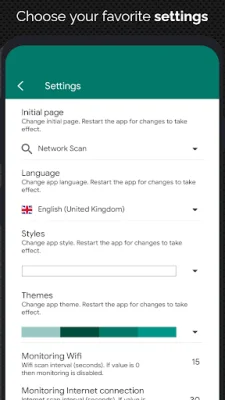
Latest Version
10.2.4.0
August 03, 2024
NetGEL
Tools
Android
0
Free
com.tools.netgel.netx
Report a Problem
More About NetX Network Tools
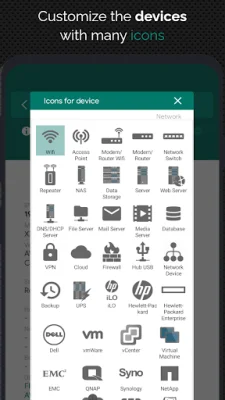
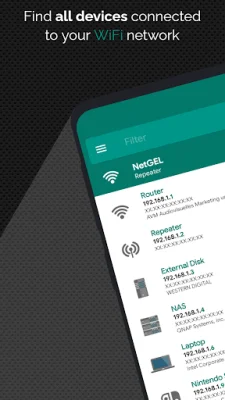
This application is designed to help users discover and manage all devices connected to their network. It provides important information about each device, such as IP address, MAC address, vendor, Bonjour name, NetBIOS name, and domain. This can be useful for troubleshooting network issues or monitoring network activity.
One of the main features of this app is the ability to remotely control devices on the network. With Wake On LAN (WOL), users can turn on a device from their phone or tablet, even when they are not connected to the same wifi network. Similarly, with Secure SHell (SSH), users can put a device to sleep or shut it down remotely. This feature requires the remote device to have an SSH server installed and running.
The app also allows users to load all devices on the network offline, making it easier to manage and monitor them. Additionally, users can manually add a new network or device to the app in order to access all of its features.
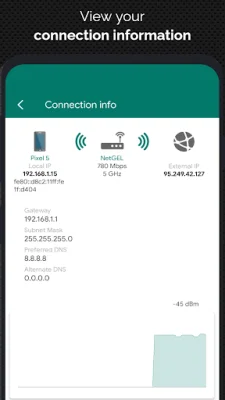
The network analyzer feature provides information about the wifi connection, such as external IP, signal strength, download and upload speed, subnet mask, gateway, and DNS. It also displays information about the mobile provider, including external IP, signal strength, download and upload speed, CID, LAC, MCC, and MNC.
The app includes a wifi scanner and analyzer, which can help users find nearby wifi networks and display important information about them, such as SSID, signal strength, channel, and encryption. It also shows a graphical representation of the bandwidth and overlapping between wifi channels.
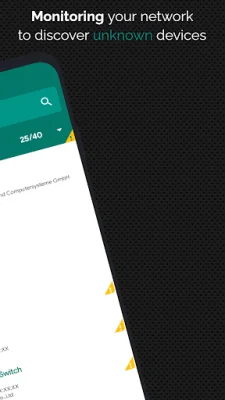
For users who want to monitor and diagnose remote devices, the app offers a network monitor feature. This displays CPU usage, RAM usage, and available memory on the remote device's disks. The app also has a network security feature that can send notifications when a new or unknown device connects to the network.
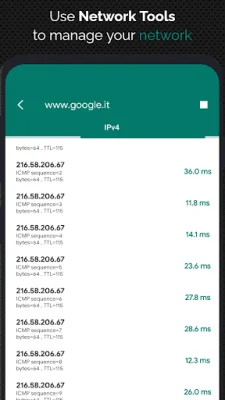
Other useful tools included in the app are a ping tool for testing connectivity to devices and a port scanner for scanning common ports. The app also offers different themes and is available in multiple languages. Users can also follow the developer on Twitter for updates and support.
Rate the App















Popular Apps









