
Notification Light - aodNotify
1.65 by Jawomo (0 Reviews) July 27, 2024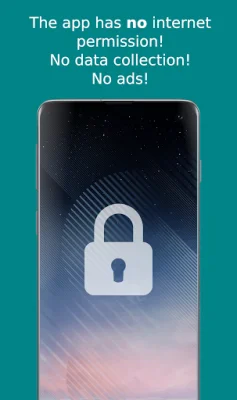
Latest Version
1.65
July 27, 2024
Jawomo
Tools
Android
0
Free
com.jamworks.aod.notificationlightled
Report a Problem
More About Notification Light - aodNotify
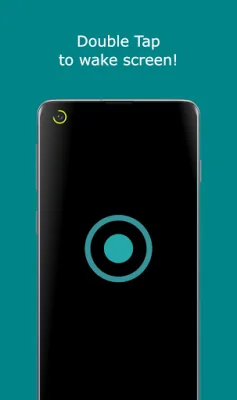
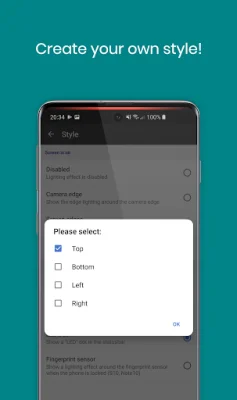
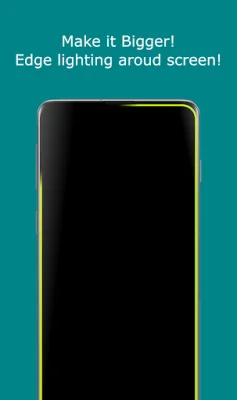
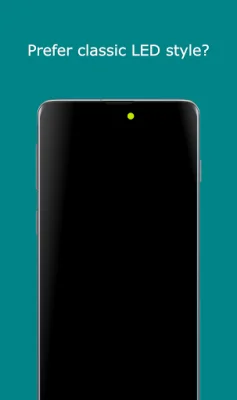
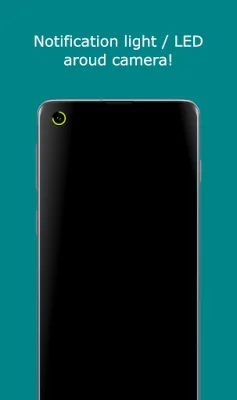
With aodNotify, you can easily enhance your phone's notification system by adding a customizable notification light or LED. This feature allows you to choose from various notification light styles and display it around your camera cutout, screen edges, or even simulate a notification LED dot in your phone's status bar. The main features of aodNotify include the notification light/LED, the ability to double tap to wake your screen when a notification is received, and a charging/low battery light. Additionally, there are more features such as different notification light styles, custom app/contact colors, ECO animations to save battery, interval mode to conserve battery, and night times to further save battery. The app also boasts minimal battery consumption. According to the app's developers, the battery usage per hour varies depending on the mode you choose. For example, the LED on continuous mode consumes 7.0% of battery, while the LED on interval mode only uses 5.0%. The ECO animation mode uses even less battery at 3.5%, and combining it with interval mode reduces battery usage to 2.5%. Without the notification light, the app has almost no impact on battery consumption. It is important to note that the app is still in beta stage, so errors may occur. Additionally, some phone manufacturers may block the app with future updates, so it is recommended to check compatibility before updating your phone's software. While the developers have not experienced any screen burn-in issues on their test devices, they advise against keeping the notification light/LED active for extended periods. Ultimately, the use of the app is at your own risk. The app uses the AccessibilityService API to display a floating popup for multitasking purposes. However, no data is collected or shared using this API.
Rate the App















Popular Apps









